Typing on a PDF that isn't a form
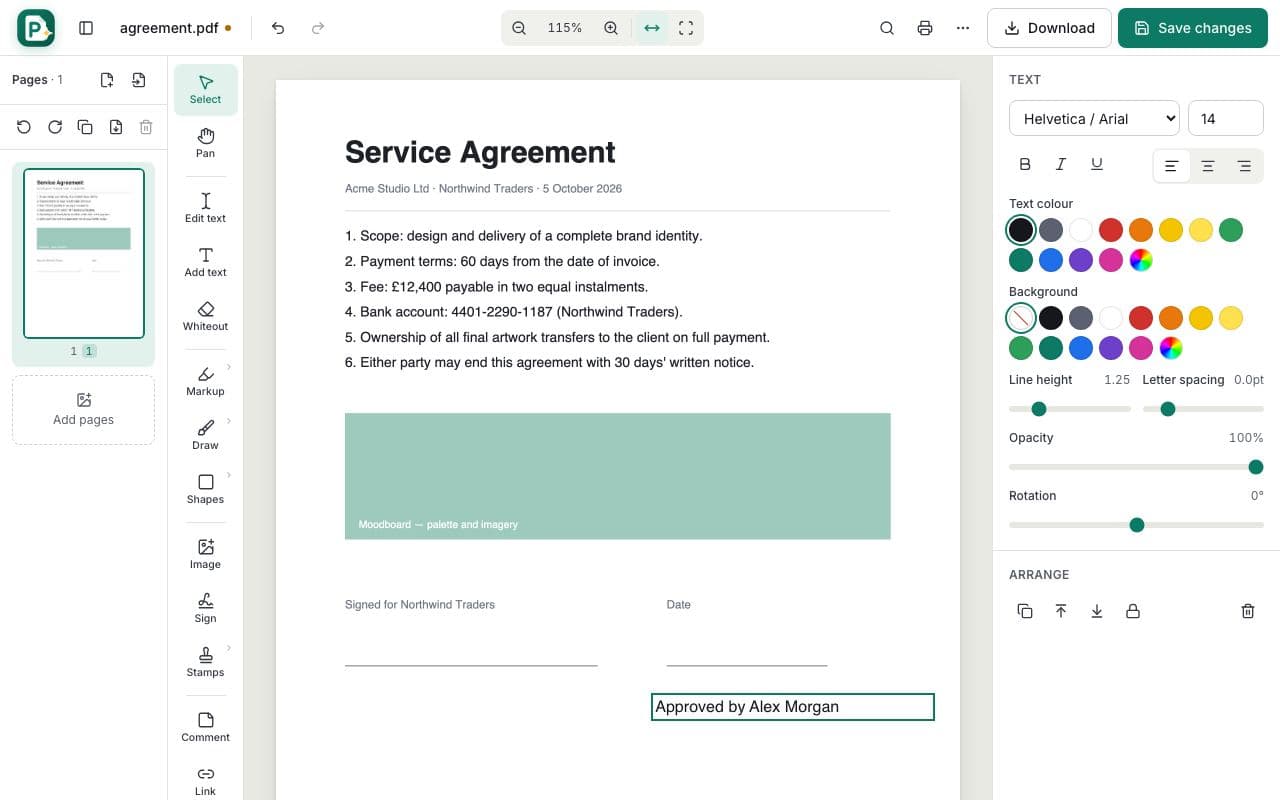
Many PDFs look like forms but have no fillable fields. With Add text you can type on top of any blank line or box, and line up your answers precisely using the arrow keys to nudge the text box one point at a time (hold Shift for ten).
Adding text vs. editing existing text
Add text creates a new text box. If you want to change words that are already in the PDF, use the Select tool and double-click the sentence instead: the original text is replaced rather than covered.
Who uses Add Text?
Anyone filling paper forms
Type answers onto PDFs that don't have fillable fields.
Teachers
Add instructions or feedback to worksheets.
Small businesses
Add a reference number or note to an invoice before sending it.