Can you really edit the text in a PDF?
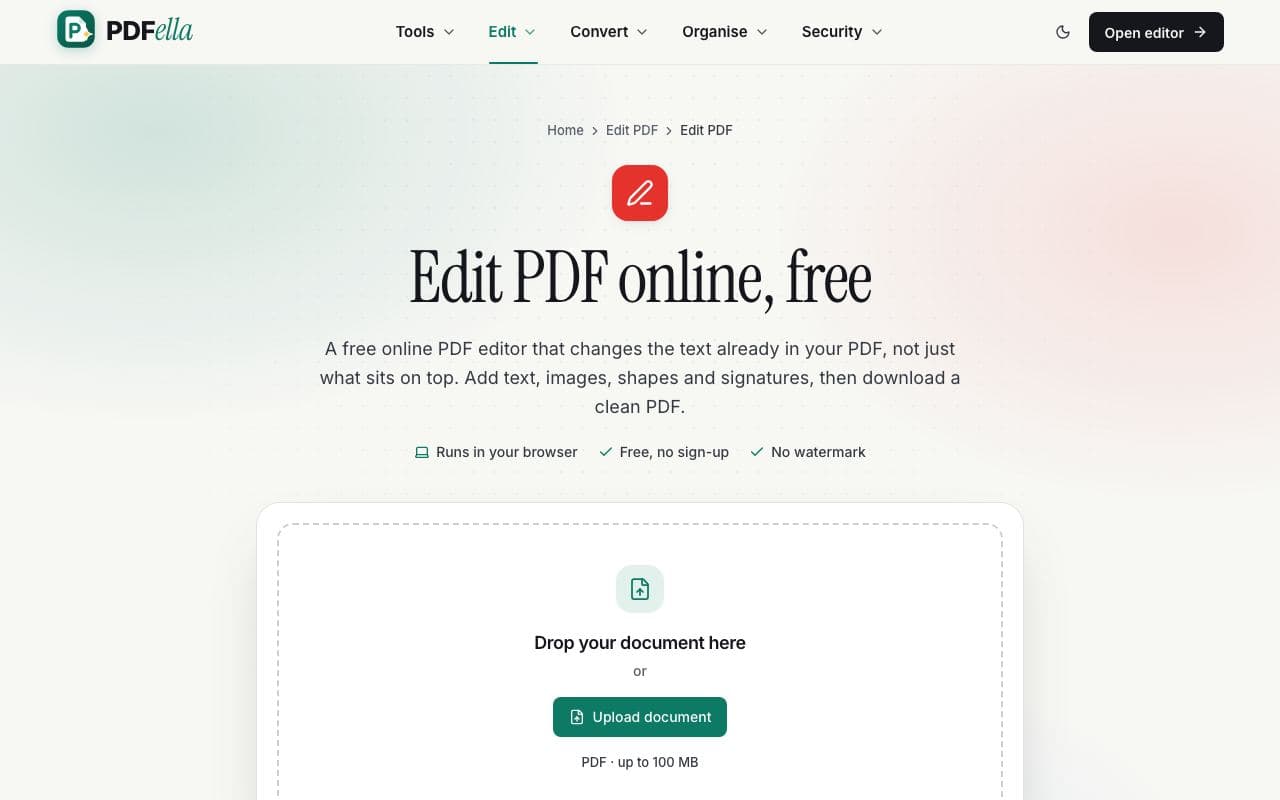
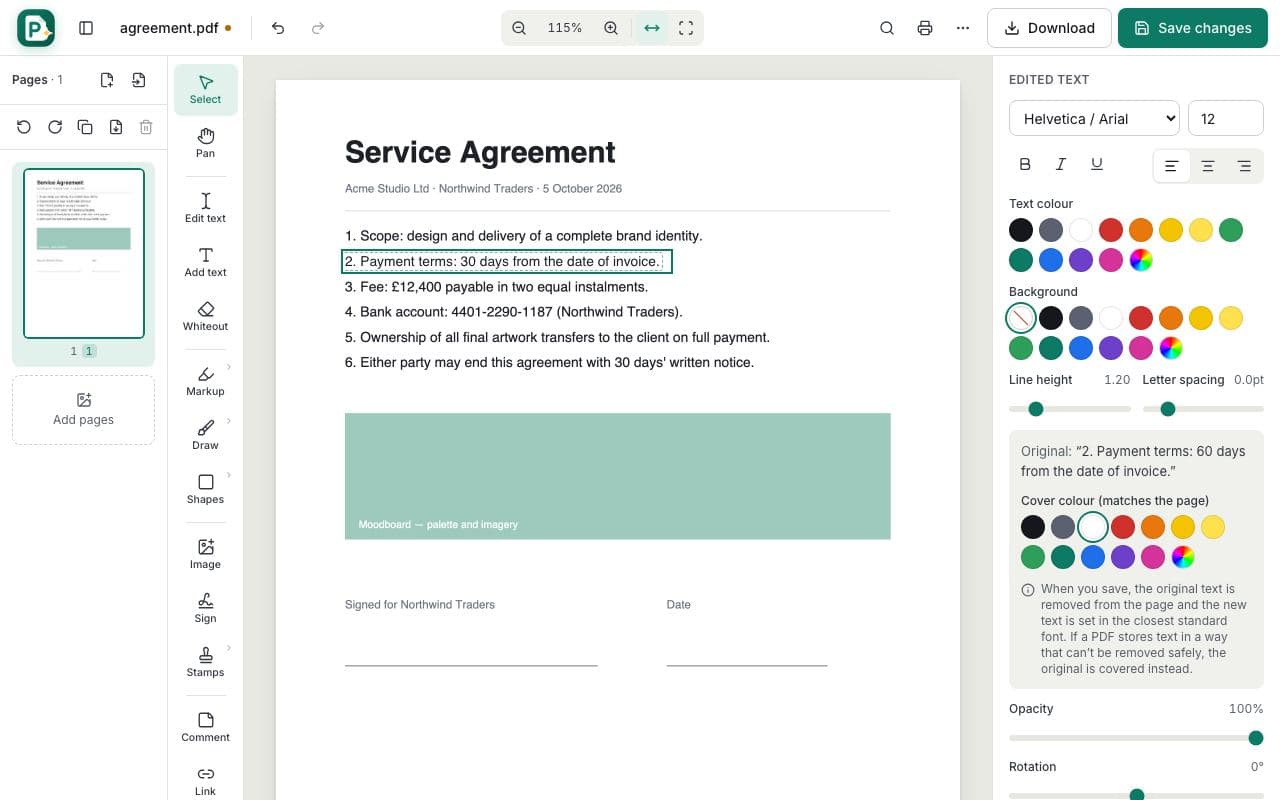
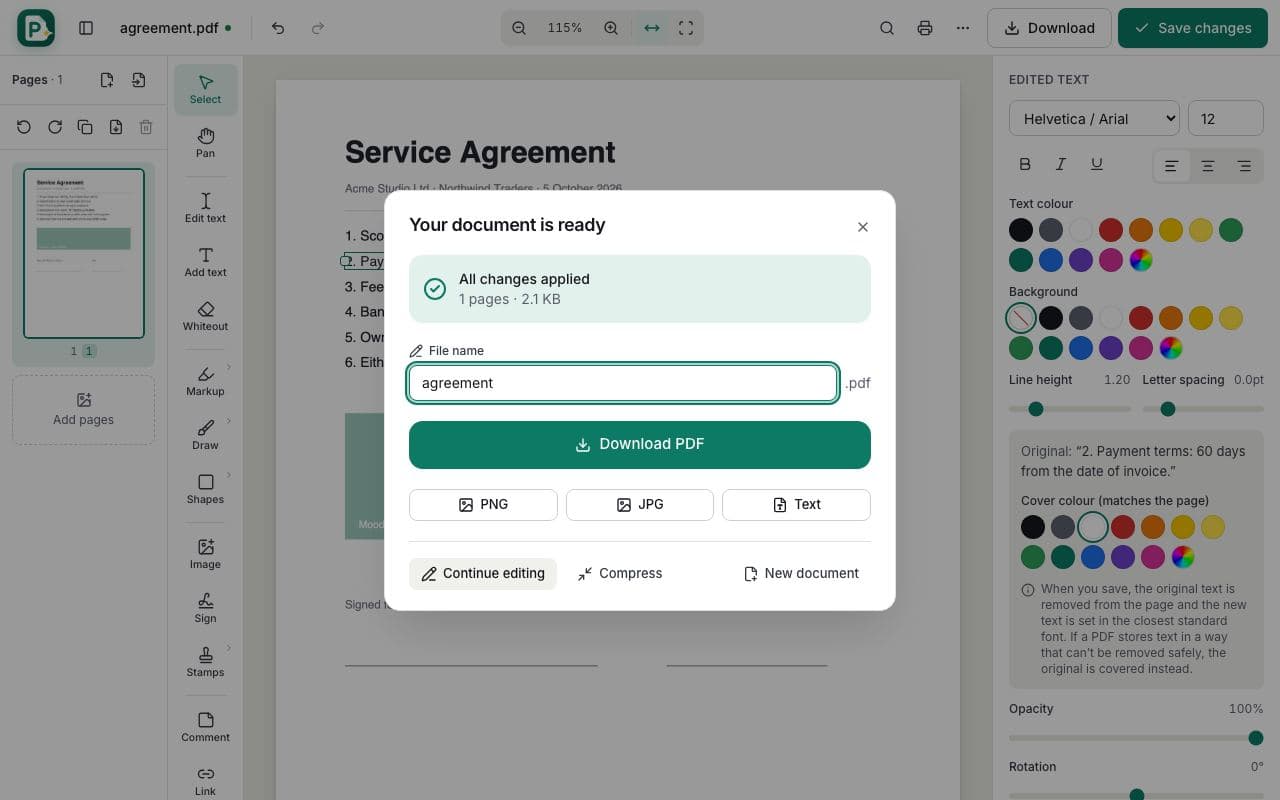
PDF was designed as a fixed-layout format, so many online PDF editors only let you place new text boxes on top of a page. PDFella's PDF editor goes further: when you double-click a sentence, it reads the original text, its position, font size and colour, and when you save, it deletes those original characters from the page and writes your new text in the same place.
Because the replacement is real text, it stays searchable and copyable in any PDF reader. If a PDF stores its text in a way that can't be changed safely (for example inside an embedded graphic), the editor covers the original neatly and places your new text on top, so the page still looks right.
What can you do with the online PDF editor?
Beyond changing text you can add new text with any size, colour and alignment; cover content with whiteout; highlight, underline or strike through text; draw freehand; add rectangles, ellipses, arrows and cloud callouts; insert and crop images; sign with a typed, drawn or uploaded signature; add sticky-note comments, stamps and hyperlinks; create fillable form fields; and permanently redact sensitive information.
The page sidebar lets you reorder, rotate, duplicate, delete and insert pages without leaving the editor, and auto-save keeps your work safe if you refresh by accident.
Who uses Edit PDF?
Freelancers and businesses
Fix a typo in a contract, update prices in a quote or change dates in an invoice without the original Word file.
Students
Fill in application forms, annotate reading material and add your name to coursework.
HR and admin teams
Update policy documents, sign letters and add comments for colleagues.