Skip to content

Repair a corrupted PDF

Rebuild a damaged PDF's internal structure so it opens again.

  • Runs in your browser
  • Free, no sign-up
  • No watermark

Severely truncated files may only be partly recoverable.

Quick answer

How to repair a PDF?

To repair a PDF, open PDFella's Repair PDF tool and upload the damaged file. It reconstructs the PDF's cross-reference table and object structure in your browser and gives you a repaired copy to download, recovering every page that can still be read.

Updated 5 October 2026 by the PDFella team

Key facts

Price
Free
Account
Not required
Processing
In your browser. Files aren't uploaded
Input
PDF
Output
PDF
Max file size
100 MB
Works on
Windows, macOS, Linux, iPhone, Android
Watermark
None

Step by step

How to repair a PDF

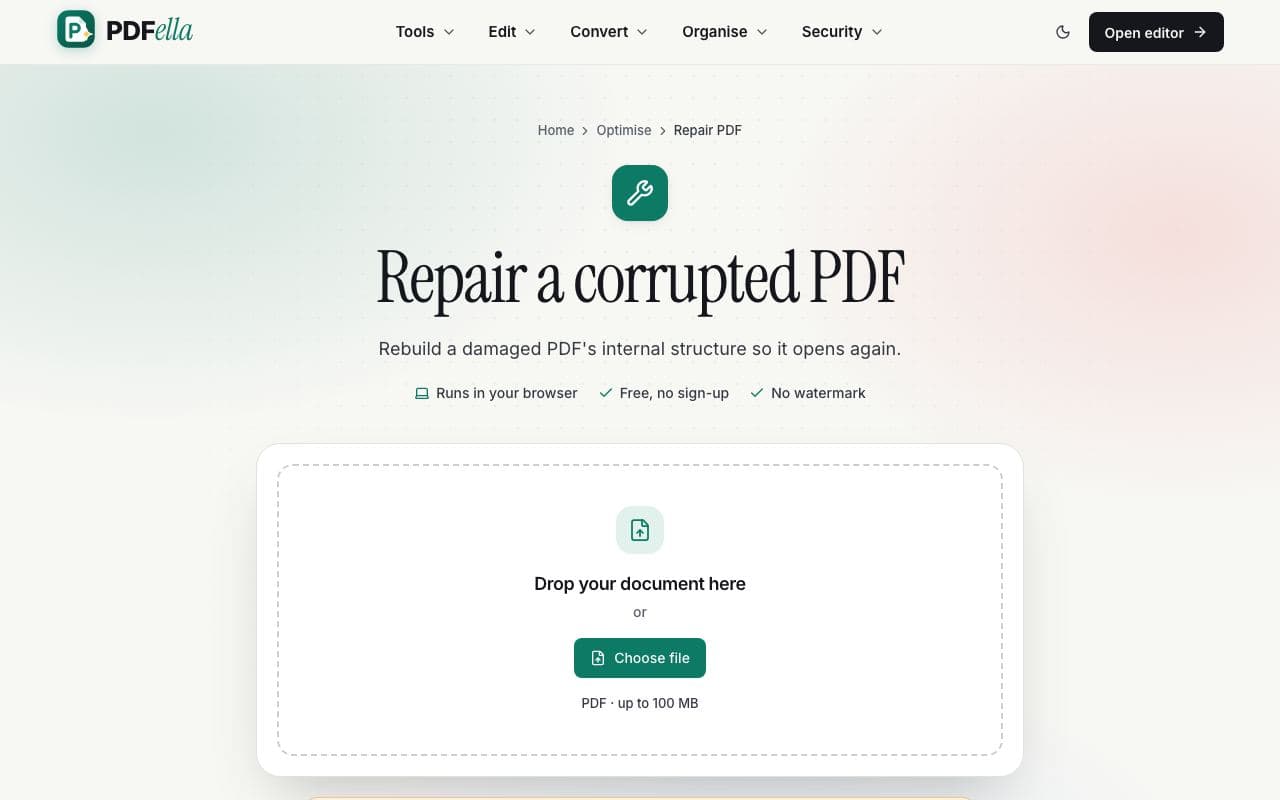
  1. 1

    Upload your PDF

    Drag your PDF onto the upload area or click Choose file. It's opened in your browser. Nothing is uploaded.

    How to repair a PDF: step 1, upload your pdf in PDFella
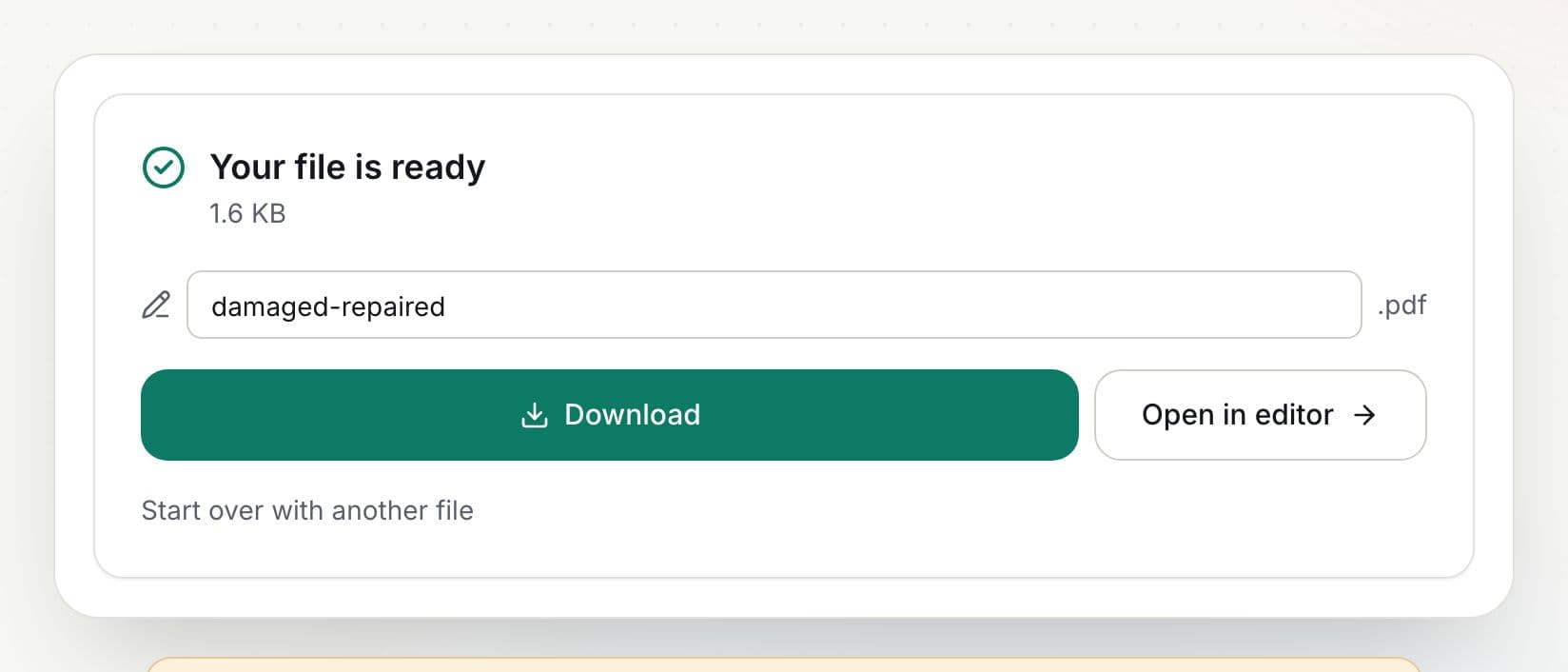
  2. 2

    Let it rebuild

    Repair starts automatically and rebuilds the file's structure.

    How to repair a PDF: step 2, let it rebuild in PDFella
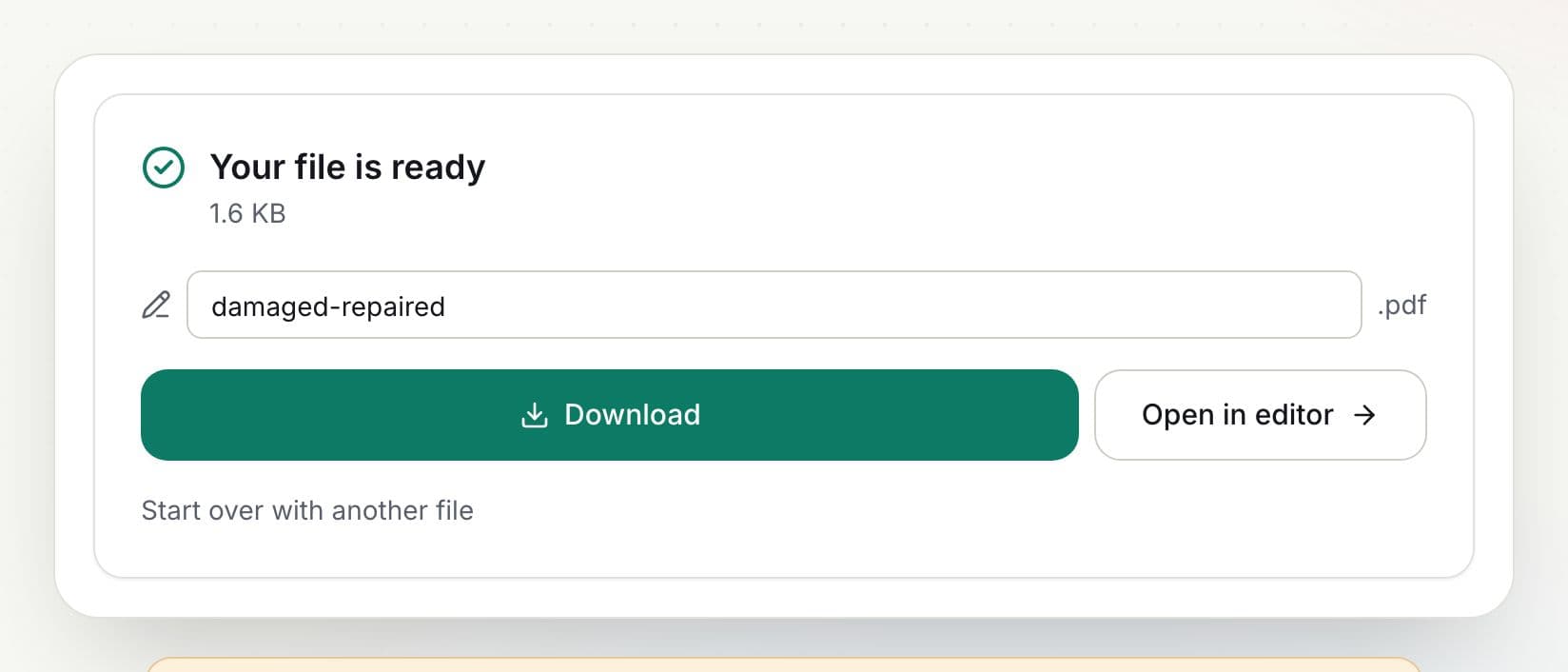
  3. 3

    Download the result

    Rename the file if you like and click Download, or open it in the editor to keep working.

    How to repair a PDF: step 3, download the result in PDFella

Why PDFella

Repair PDF, done right

  • Rebuilds structure

    Fixes broken cross-reference tables and trailers.

  • Recovers pages

    Every readable page is kept.

  • Runs in your browser

    Your PDF never leaves your device.

  • Free, no account

    No sign-up, no watermark.

Why do PDFs get corrupted?

Interrupted downloads, failed email attachments, disk errors and buggy software can leave a PDF with a damaged index. The page content is often still there; rebuilding the index makes the file readable again. Severely truncated files may only be partly recoverable.

Who uses Repair PDF?

  • Anyone

    Rescue a PDF that won't open after a broken download.

  • IT support

    Fix files that show 'damaged' errors.

  • Archivists

    Recover old documents with structural errors.

FAQ

Repair PDF: frequently asked questions

Still stuck? Email support@pdfella.example.

Can every PDF be repaired?

Most PDFs with structural damage can. Files missing large parts of their content may only be partly recoverable.

Is my file uploaded?

No. Repair runs in your browser.

Is it free?

Yes, with no account.

Will repaired text still be searchable?

Yes, if the original text survived.

What if repair fails?

The file is probably too damaged; try obtaining a fresh copy of the original.

Does it work on password-protected PDFs?

Unlock the PDF first, then repair it.

Ready to repair a PDF?

Free, private and done in seconds. No account needed.

Start now