Skip to content

Password protect a PDF

Encrypt a PDF with AES-256 so it needs a password to open, right in your browser.

  • Runs in your browser
  • Free, no sign-up
  • No watermark

Quick answer

How to password protect a PDF?

To password protect a PDF, open PDFella's Protect PDF tool, upload the file, type and confirm a password, choose whether printing, copying and editing are allowed, and click Protect PDF. The file is encrypted with AES-256 in your browser and downloaded.

Updated 5 October 2026 by the PDFella team

Key facts

Price
Free
Account
Not required
Processing
In your browser. Files aren't uploaded
Input
PDF
Output
PDF
Max file size
100 MB
Works on
Windows, macOS, Linux, iPhone, Android
Watermark
None

Step by step

How to password protect a PDF

  1. 1

    Upload your PDF

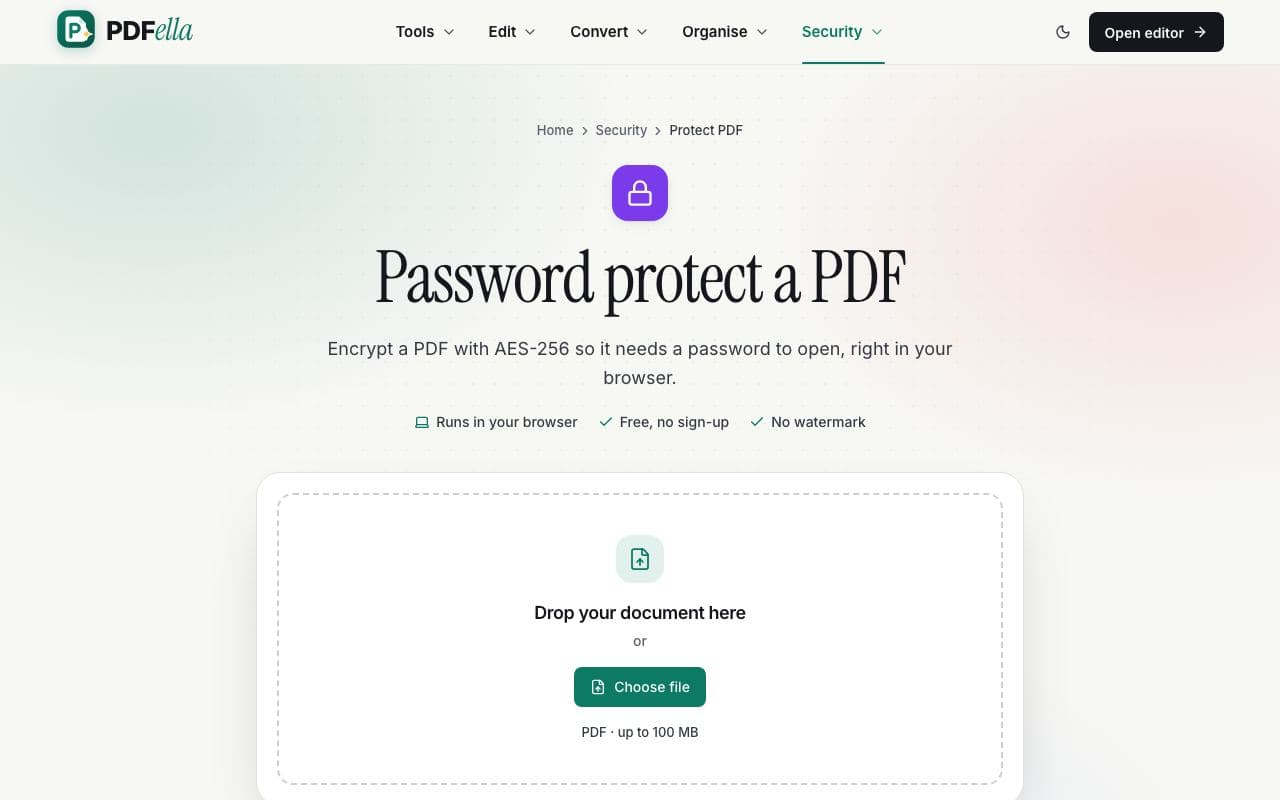
    Drag your PDF onto the upload area or click Choose file. It's opened in your browser. Nothing is uploaded.

    How to password protect a PDF: step 1, upload your pdf in PDFella
  2. 2

    Set a password and permissions

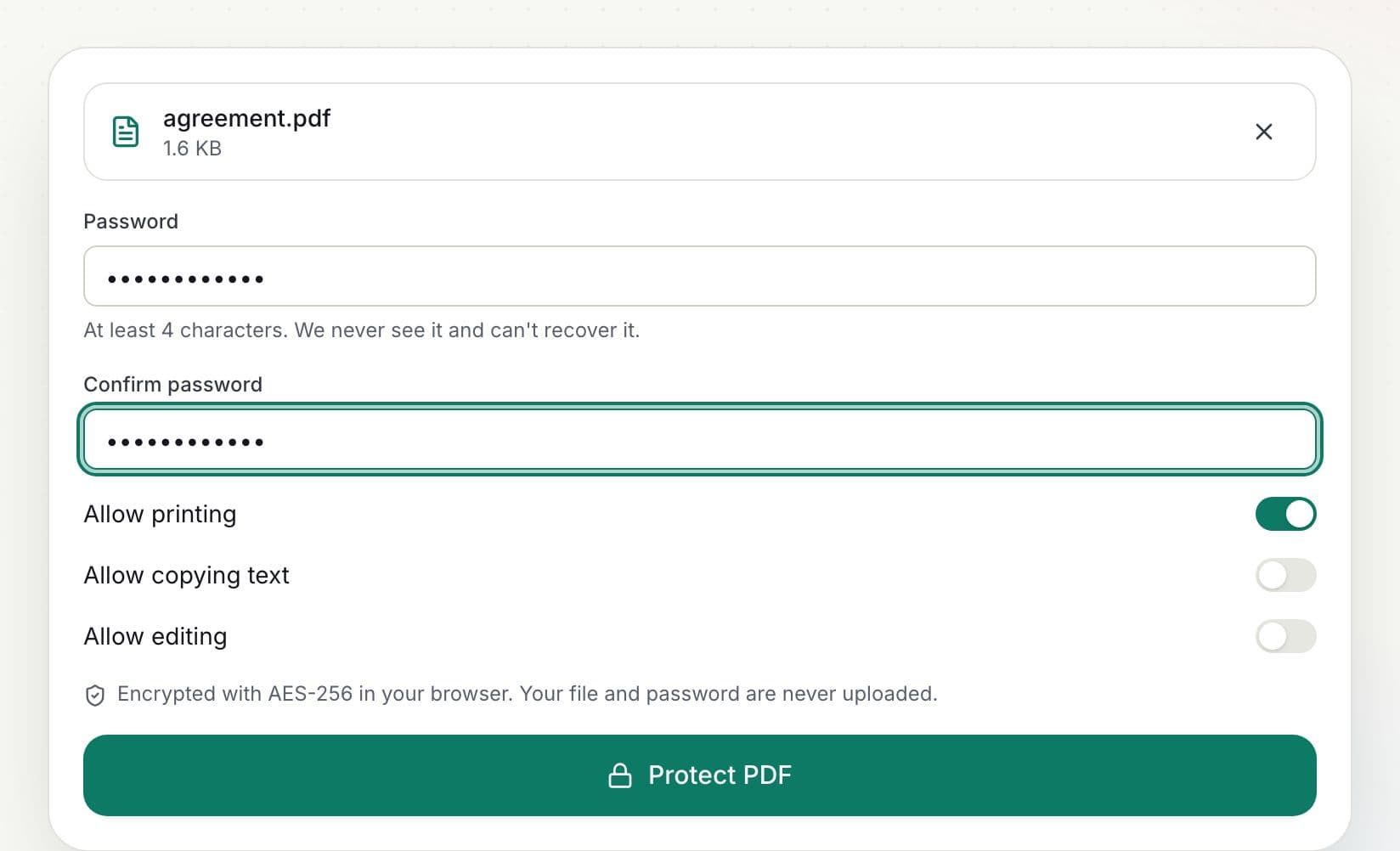
    Enter the password twice and choose whether to allow printing, copying text and editing.

    How to password protect a PDF: step 2, set a password and permissions in PDFella
  3. 3

    Click Protect PDF

    The PDF is encrypted with AES-256 on your device.

  4. 4

    Download the result

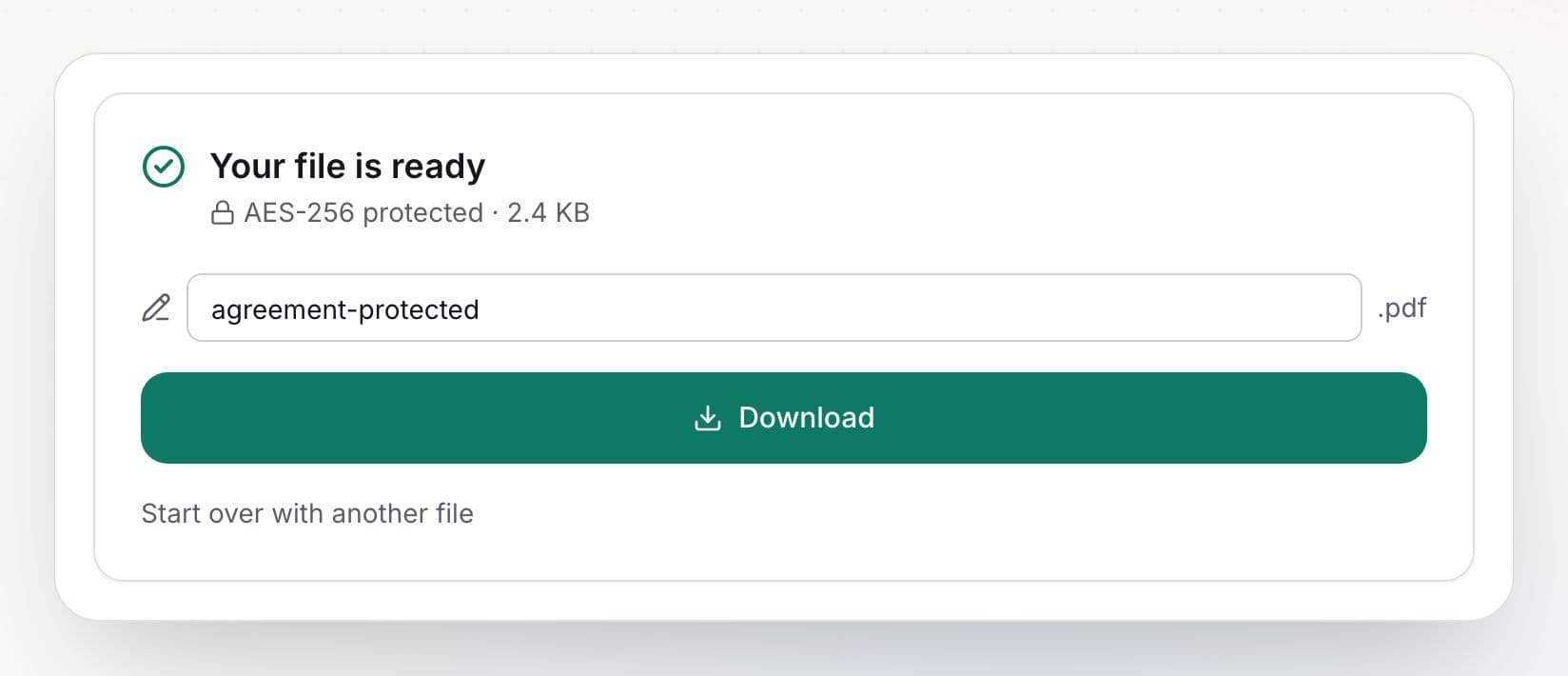
    Rename the file if you like and click Download, or open it in the editor to keep working.

    How to password protect a PDF: step 4, download the result in PDFella

Why PDFella

Protect PDF, done right

  • AES-256 encryption

    The strongest standard PDF encryption.

  • Permissions

    Allow or block printing, copying and editing.

  • Password stays private

    Encryption happens in your browser; your password is never sent anywhere.

  • Free, no account

    No sign-up, no watermark.

Choosing a strong PDF password

Use at least 12 characters, ideally a passphrase of several unrelated words. Share the password through a different channel than the file, for example send the PDF by email and the password by text message. PDFella can't recover a forgotten password.

Who uses Protect PDF?

  • Accountants

    Protect tax returns and statements before emailing.

  • HR

    Secure payslips and contracts.

  • Anyone

    Protect ID documents and medical records.

FAQ

Protect PDF: frequently asked questions

Still stuck? Email support@pdfella.example.

How do I add a password to a PDF for free?

Upload it to Protect PDF, enter a password, choose permissions and click Protect PDF.

What encryption is used?

AES-256, the strongest standard PDF encryption.

Is my PDF or password uploaded?

No. Encryption happens entirely in your browser.

Can you recover my password?

No. Keep it somewhere safe.

Can I stop people printing or copying?

Yes. Turn off printing, copying or editing permissions.

How do I remove the password later?

Use Unlock PDF with the password.

Ready to password protect a PDF?

Free, private and done in seconds. No account needed.

Start now