Skip to content

Word to PDF converter

Convert Word documents (DOCX, DOC, ODT) and text files into clean, professional PDFs.

  • Secure cloud · deleted within 60 min
  • Free, no sign-up
  • No watermark

Quick answer

How to convert Word to PDF?

To convert Word to PDF, open PDFella's Word to PDF converter, upload your DOCX, DOC or ODT file and click Word to PDF. The document is converted with its layout, fonts and page breaks, and the PDF is ready to download in seconds.

Updated 5 October 2026 by the PDFella team

Key facts

Price
Free
Account
Not required
Processing
Secure cloud. Files deleted within 60 minutes
Input
Word, Excel, PowerPoint, OpenDocument, Text
Output
PDF
Max file size
100 MB
Works on
Windows, macOS, Linux, iPhone, Android
Watermark
None

Step by step

How to convert Word to PDF

  1. 1

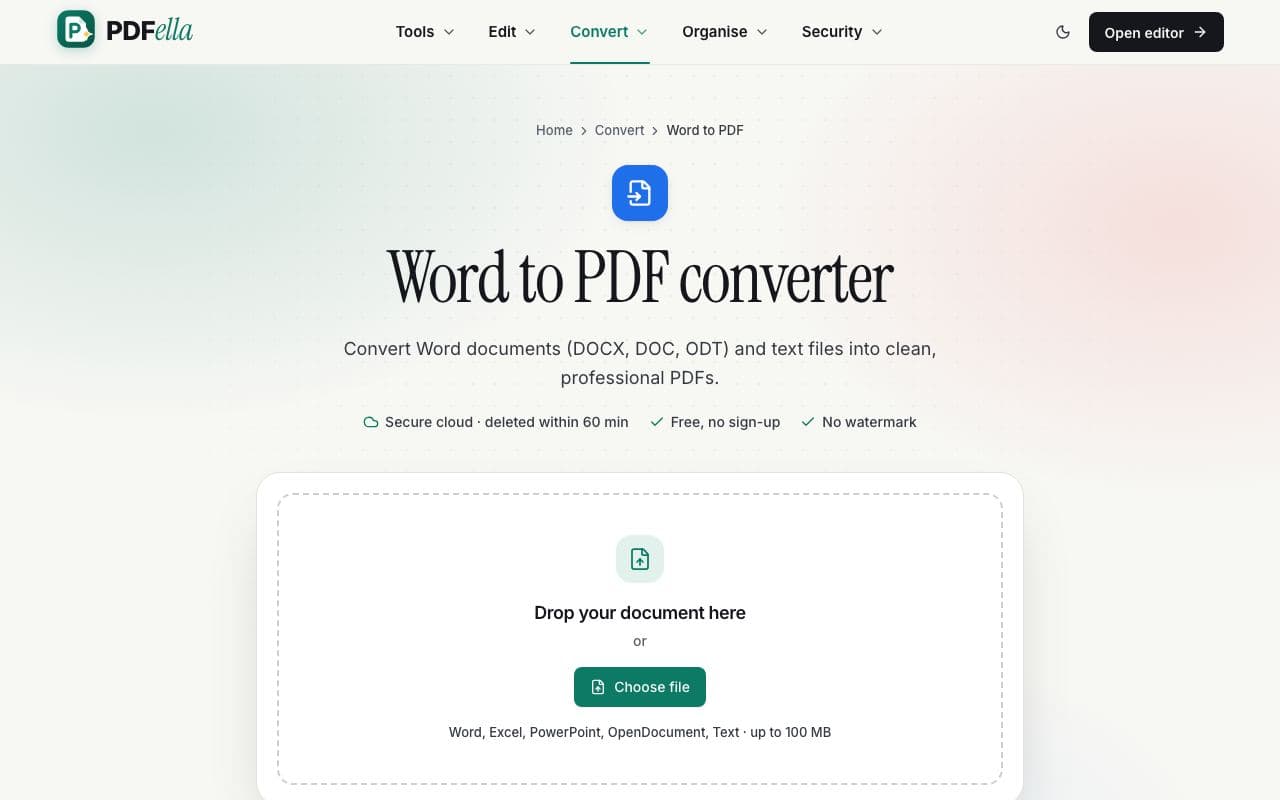
    Upload your Word document

    Drag your Word document onto the upload area or click Choose file. It's sent over an encrypted connection to private, temporary storage for conversion.

    How to convert Word to PDF: step 1, upload your word document in PDFella
  2. 2

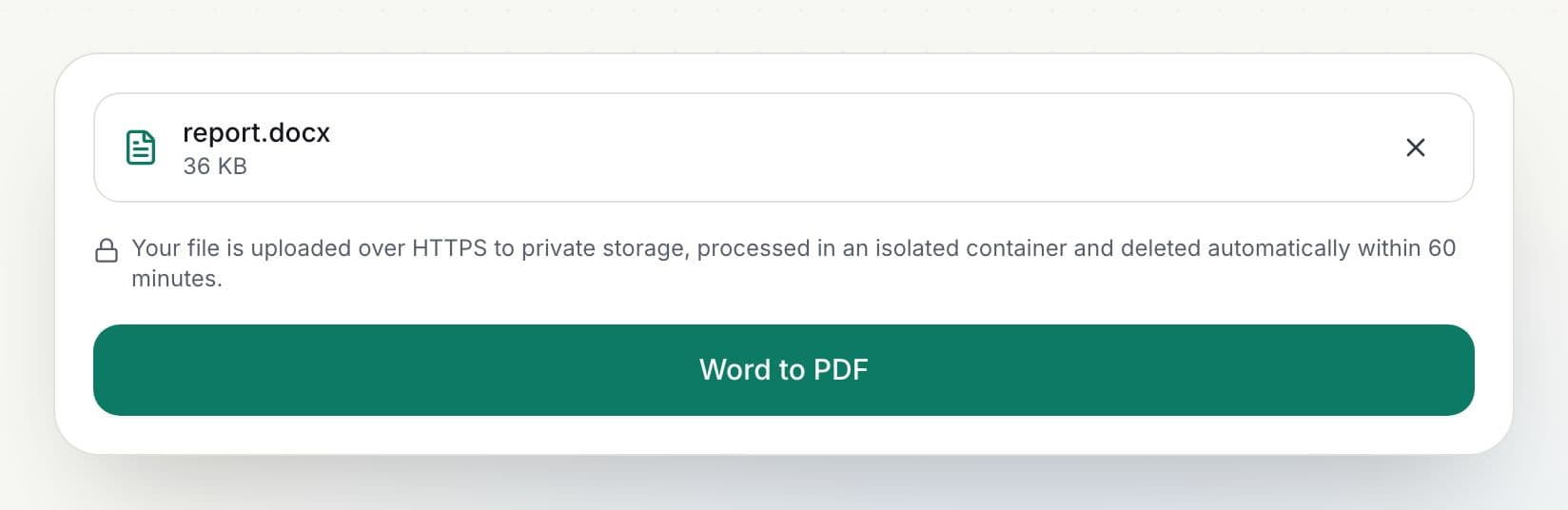
    Click Word to PDF

    Upload and conversion progress are shown as a percentage.

    How to convert Word to PDF: step 2, click word to pdf in PDFella
  3. 3

    Download your PDF

    Rename the file if you like and click Download. The result is ready in seconds.

Why PDFella

Word to PDF, done right

  • Layout kept

    Fonts, images, tables, headers and page breaks.

  • Many formats

    DOCX, DOC-compatible DOCX, ODT and TXT.

  • Edit afterwards

    Open the PDF in the editor to sign or annotate it.

  • Secure cloud conversion

    Files are processed in an isolated container and deleted automatically after conversion, within 60 minutes at most.

Why convert Word to PDF?

A PDF looks the same on every device and can't be accidentally edited, which makes it the standard for CVs, contracts, invoices and forms. Converting also embeds fonts so your document looks right even if the reader doesn't have them.

Who uses Word to PDF?

  • Job seekers

    Send a CV that looks the same everywhere.

  • Businesses

    Turn invoices and quotes into PDFs.

  • Students

    Submit assignments in the required PDF format.

FAQ

Word to PDF: frequently asked questions

Still stuck? Email support@pdfella.example.

How do I convert Word to PDF for free?

Upload your DOCX to Word to PDF and click Word to PDF, then download. No account is needed.

Is my document uploaded?

Yes, to secure temporary storage for conversion, and it's deleted automatically afterwards (within 60 minutes at most).

Will my fonts and layout be kept?

Yes. Fonts, images, tables and page breaks are preserved.

Can I convert Excel or PowerPoint too?

Yes. Use Excel to PDF or PowerPoint to PDF.

Is there a size limit?

Files up to 100 MB.

Is there a watermark?

No.

Ready to convert Word to PDF?

Free, private and done in seconds. No account needed.

Start now