Skip to content

PDF to Excel converter

Extract tables from a PDF into an Excel spreadsheet, one sheet per page.

  • Secure cloud · deleted within 60 min
  • Free, no sign-up
  • No watermark

Works best with PDFs that contain real (ruled or well-aligned) tables. Scanned tables need OCR first.

Quick answer

How to convert PDF to Excel?

To convert PDF to Excel, open PDFella's PDF to Excel converter, upload your PDF and click PDF to Excel. Tables on each page are detected and written to an XLSX workbook with one sheet per page. Download the spreadsheet when it's ready.

Updated 5 October 2026 by the PDFella team

Key facts

Price
Free
Account
Not required
Processing
Secure cloud. Files deleted within 60 minutes
Input
PDF
Output
XLSX
Max file size
100 MB
Works on
Windows, macOS, Linux, iPhone, Android
Watermark
None

Step by step

How to convert PDF to Excel

  1. 1

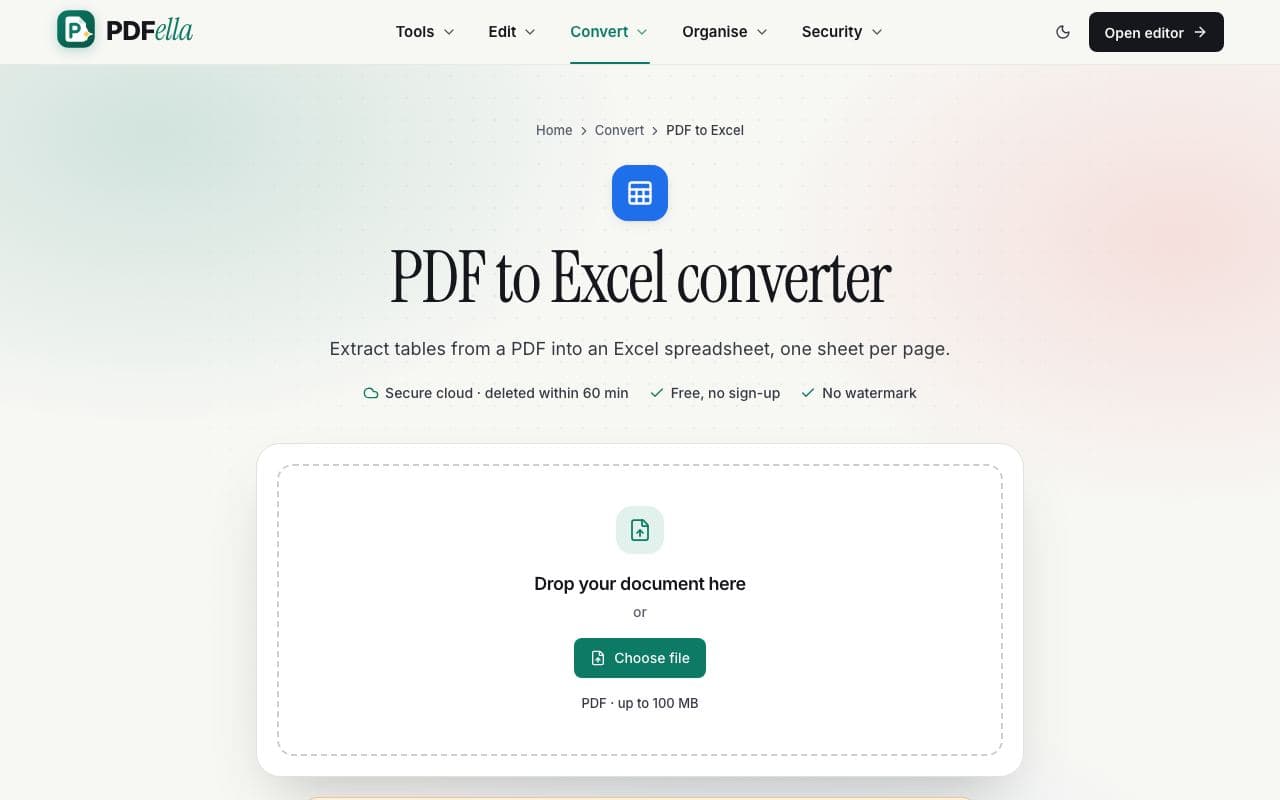
    Upload your PDF

    Drag your PDF onto the upload area or click Choose file. It's sent over an encrypted connection to private, temporary storage for conversion.

    How to convert PDF to Excel: step 1, upload your pdf in PDFella
  2. 2

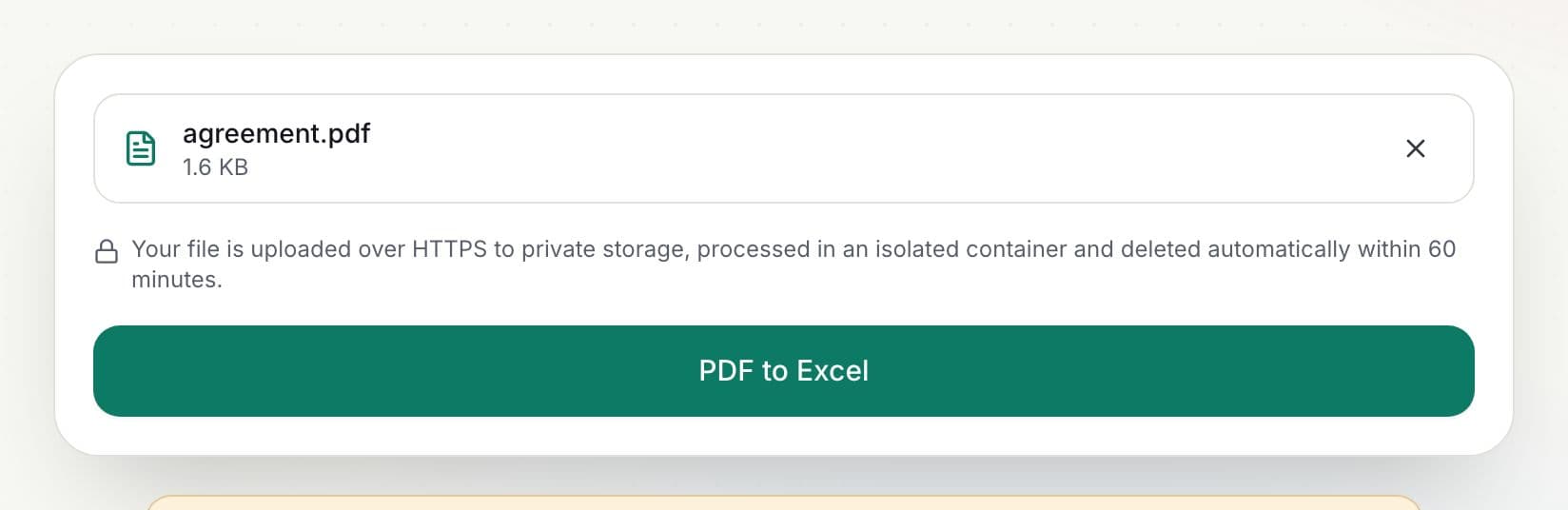
    Convert

    Click PDF to Excel. Upload and processing progress are shown as a percentage.

    How to convert PDF to Excel: step 2, convert in PDFella
  3. 3

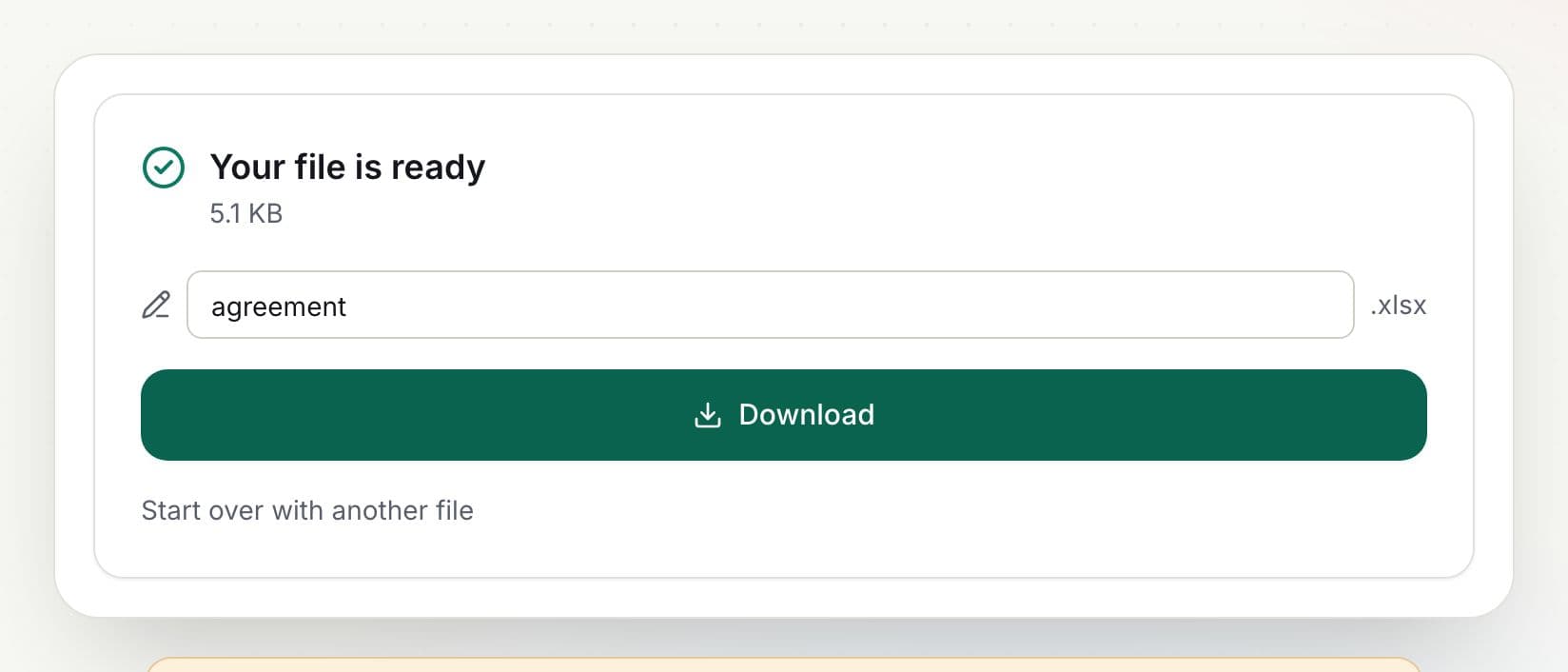
    Download your Excel spreadsheet

    Rename the file if you like and click Download. The result is ready in seconds.

    How to convert PDF to Excel: step 3, download your excel spreadsheet in PDFella

Why PDFella

PDF to Excel, done right

  • Table detection

    Ruled and aligned tables are detected on each page.

  • Numbers stay numbers

    Values like 1,250.00 become numbers you can sum.

  • One sheet per page

    Easy to find each page's data.

  • Secure cloud conversion

    Files are processed in an isolated container and deleted automatically after conversion, within 60 minutes at most.

Getting the best results

PDFs that were exported from Excel or accounting software convert best because their tables contain real text. Scanned statements need OCR PDF first. If a page has no ruled table, its text lines are split into columns where there are wide gaps.

Who uses PDF to Excel?

  • Accountants

    Turn PDF bank statements into spreadsheets.

  • Analysts

    Extract tables from reports for analysis.

  • Small businesses

    Move supplier price lists into Excel.

FAQ

PDF to Excel: frequently asked questions

Still stuck? Email support@pdfella.example.

How do I convert a PDF to Excel?

Upload the PDF to PDF to Excel and click PDF to Excel. Download the XLSX when it's ready.

Is my file uploaded?

Yes, this tool uses secure cloud processing. Files are deleted automatically after conversion, within 60 minutes at most.

Will numbers be editable?

Yes. Numeric values are written as numbers.

Can it convert scanned PDFs?

Run OCR PDF first, then convert.

Is it free?

Yes, within a generous daily allowance for cloud tools.

What if my PDF has no tables?

Text lines are split into columns at wide gaps, one row per line.

Ready to convert PDF to Excel?

Free, private and done in seconds. No account needed.

Start now