Skip to content

Flatten PDF

Turn form fields into regular page content, keeping their values but making them non-editable.

  • Runs in your browser
  • Free, no sign-up
  • No watermark

Quick answer

How to flatten a PDF?

To flatten a PDF, open PDFella's Flatten PDF tool, upload the file and click Flatten PDF. Form fields and their current values become part of the page, so they look the same but can no longer be edited. Download the flattened PDF.

Updated 5 October 2026 by the PDFella team

Key facts

Price
Free
Account
Not required
Processing
In your browser. Files aren't uploaded
Input
PDF
Output
PDF
Max file size
100 MB
Works on
Windows, macOS, Linux, iPhone, Android
Watermark
None

Step by step

How to flatten a PDF

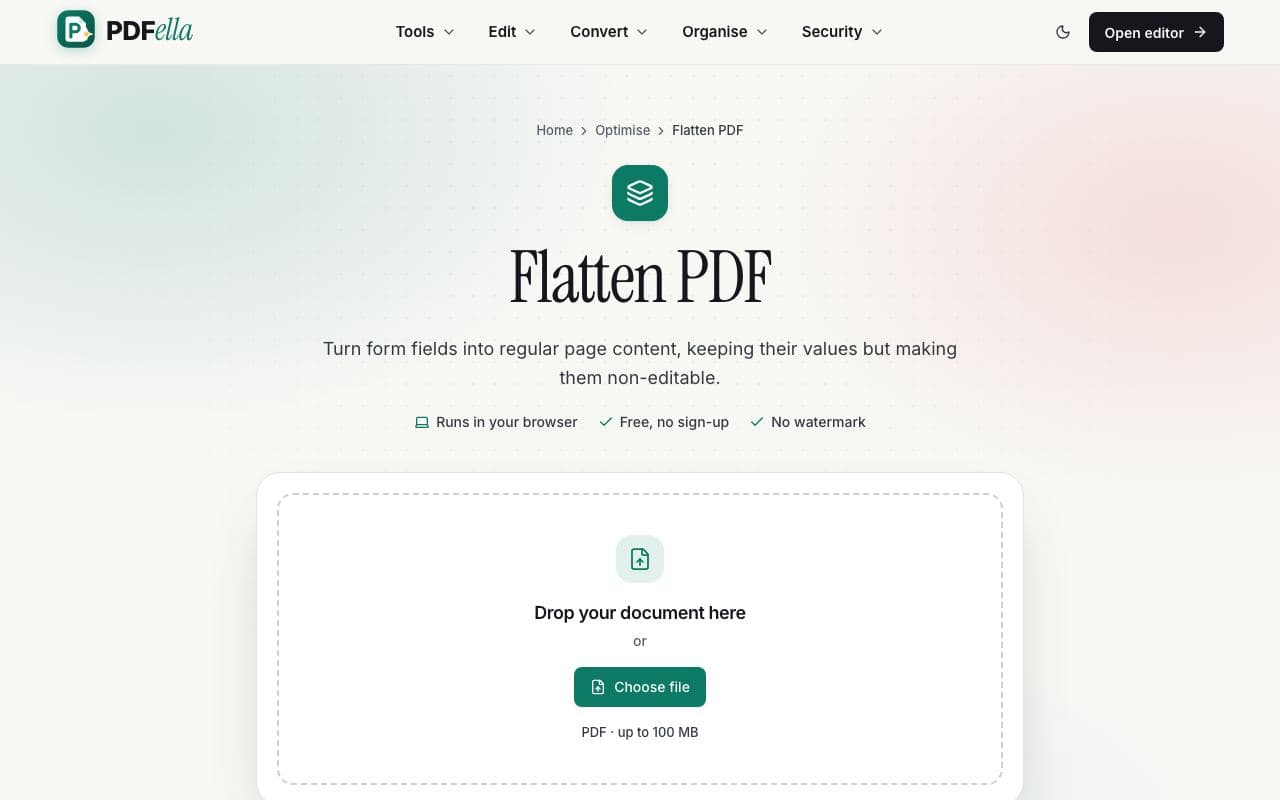
  1. 1

    Upload your PDF

    Drag your PDF onto the upload area or click Choose file. It's opened in your browser. Nothing is uploaded.

    How to flatten a PDF: step 1, upload your pdf in PDFella
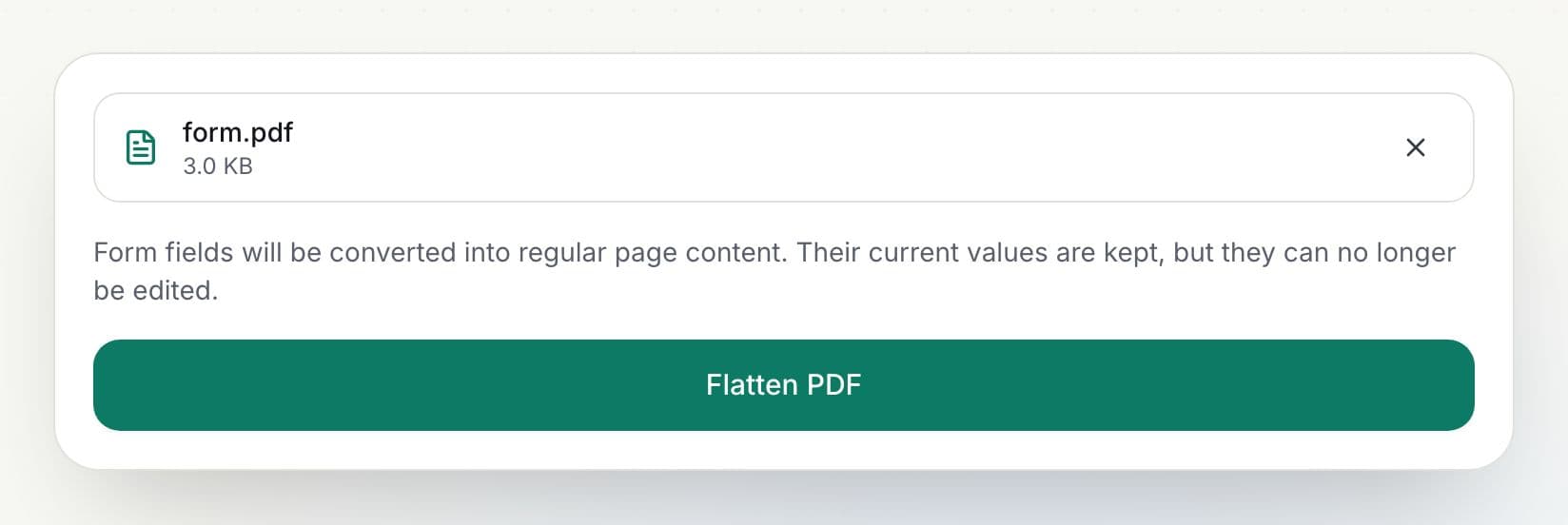
  2. 2

    Click Flatten PDF

    Every form field is converted into page content with its current value.

    How to flatten a PDF: step 2, click flatten pdf in PDFella
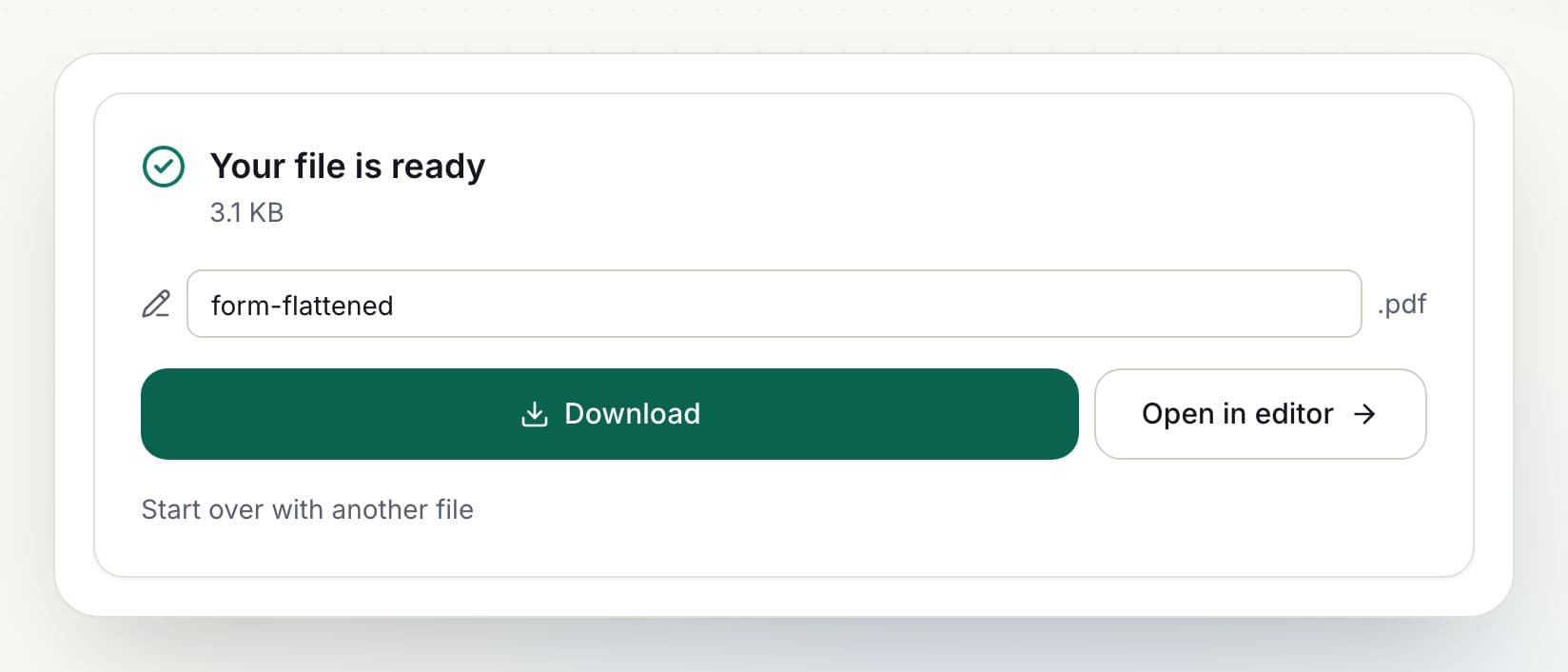
  3. 3

    Download the result

    Rename the file if you like and click Download, or open it in the editor to keep working.

    How to flatten a PDF: step 3, download the result in PDFella

Why PDFella

Flatten PDF, done right

  • Values kept

    Filled-in answers stay exactly as they appear.

  • Can't be changed

    Fields are no longer editable in any reader.

  • Runs in your browser

    Your PDF never leaves your device.

  • Free, no account

    No sign-up, no watermark.

When should you flatten a PDF?

Flatten forms before sending them back so answers can't be changed, before printing to ensure every value appears, or before archiving. You can also flatten while saving in the editor.

Who uses Flatten PDF?

  • HR

    Lock completed onboarding forms.

  • Lawyers

    Finalise filled court forms.

  • Anyone

    Make sure printed forms show every answer.

FAQ

Flatten PDF: frequently asked questions

Still stuck? Email support@pdfella.example.

What does flattening a PDF do?

It converts form fields into normal page content so their values can't be edited.

Will my answers disappear?

No. Current values are kept on the page.

Is my file uploaded?

No. Flattening runs in your browser.

Is it free?

Yes, with no account.

Can I undo flattening?

Not in the flattened file. Keep your original if you might need to edit it.

Can I flatten while filling a form?

Yes. Choose Flatten form fields in the editor's save dialog.

Ready to flatten a PDF?

Free, private and done in seconds. No account needed.

Start now