Whiteout vs. redaction: which should you use?
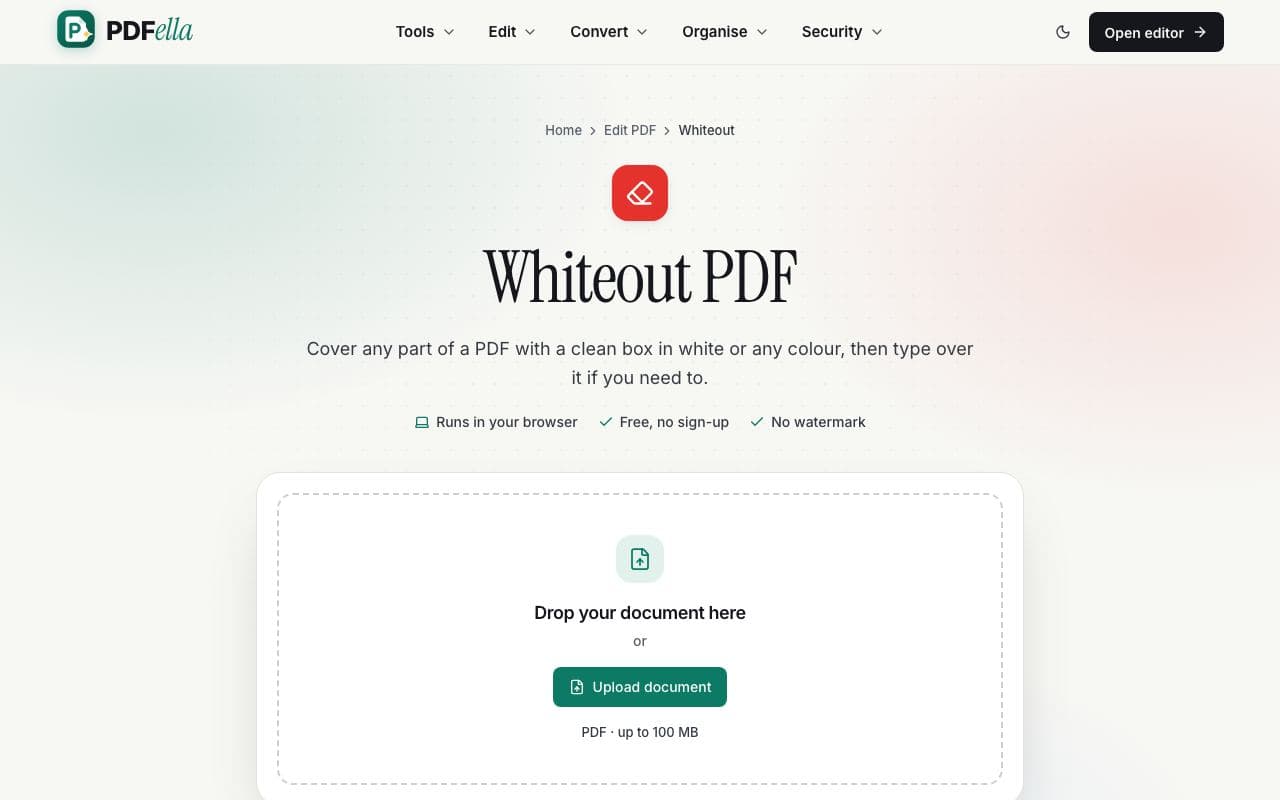
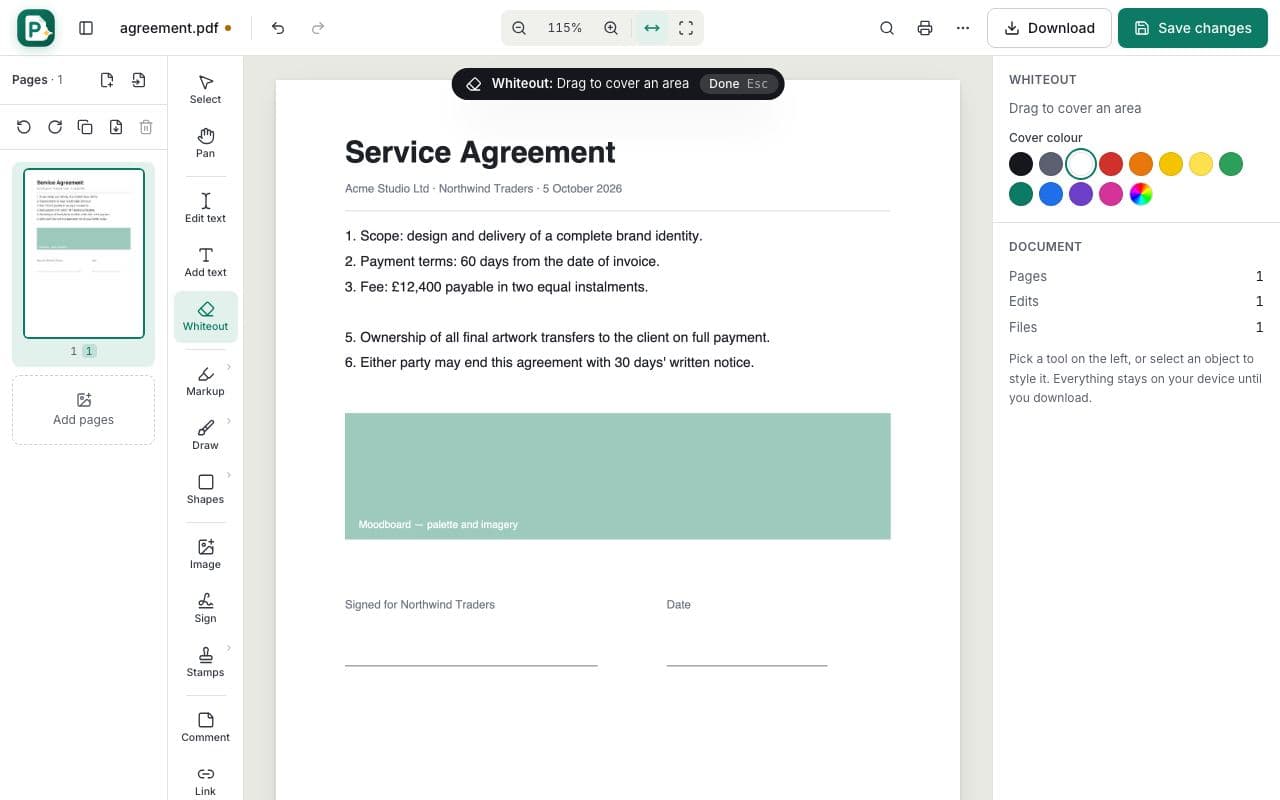
Whiteout is visual: it places a box over content, which is ideal for fixing mistakes or hiding something before printing. The covered content still exists inside the file.
If the hidden information is sensitive, such as account numbers, personal data or confidential clauses, use Redact PDF instead. Redaction permanently deletes the underlying content so it can't be selected, searched or recovered.
Replacing text instead of covering it
To change wording, you usually don't need whiteout at all: double-click the sentence with the Select tool and type. The editor removes the original text and writes the new text in the same position.
Who uses Whiteout?
Office workers
Hide an outdated price or date before re-sending a document.
Teachers
Create blank versions of worksheets by covering answers.
Anyone printing
Remove notes or headers you don't want on paper.