Splitting by page ranges
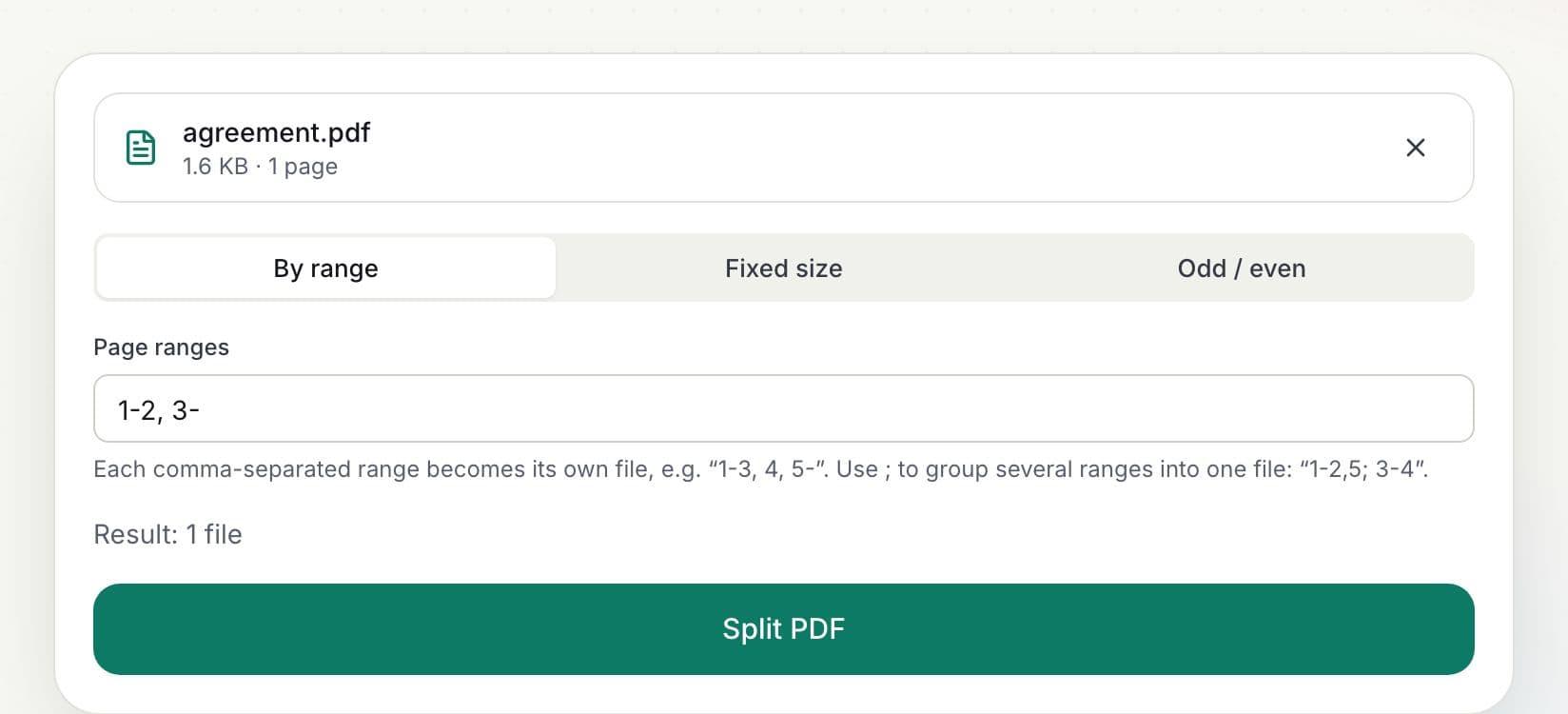
Separate ranges with commas to create one file per range: 1-3, 4, 5- creates three files (pages 1–3, page 4, and page 5 to the end). To combine non-adjacent pages into the same file, separate groups with semicolons: 1-2,5; 3-4.
Need only a few pages?
If you just want certain pages in one new PDF, Extract PDF Pages is quicker: click the thumbnails you want and download them as a single file.
Who uses Split PDF?
Office staff
Split a scanned batch into separate letters or invoices.
Teachers
Separate a workbook into individual worksheets.
Lawyers
Extract exhibits from a long bundle.