Skip to content

Excel to PDF converter

Turn Excel spreadsheets into PDFs that keep their formatting and include every sheet.

  • Secure cloud · deleted within 60 min
  • Free, no sign-up
  • No watermark

Quick answer

How to convert Excel to PDF?

To convert Excel to PDF, open PDFella's Excel to PDF converter, upload your XLSX or ODS file and click Excel to PDF. Every sheet is converted with its formatting, and the PDF is ready to download in seconds.

Updated 5 October 2026 by the PDFella team

Key facts

Price
Free
Account
Not required
Processing
Secure cloud. Files deleted within 60 minutes
Input
Excel, OpenDocument
Output
PDF
Max file size
100 MB
Works on
Windows, macOS, Linux, iPhone, Android
Watermark
None

Step by step

How to convert Excel to PDF

  1. 1

    Upload your spreadsheet

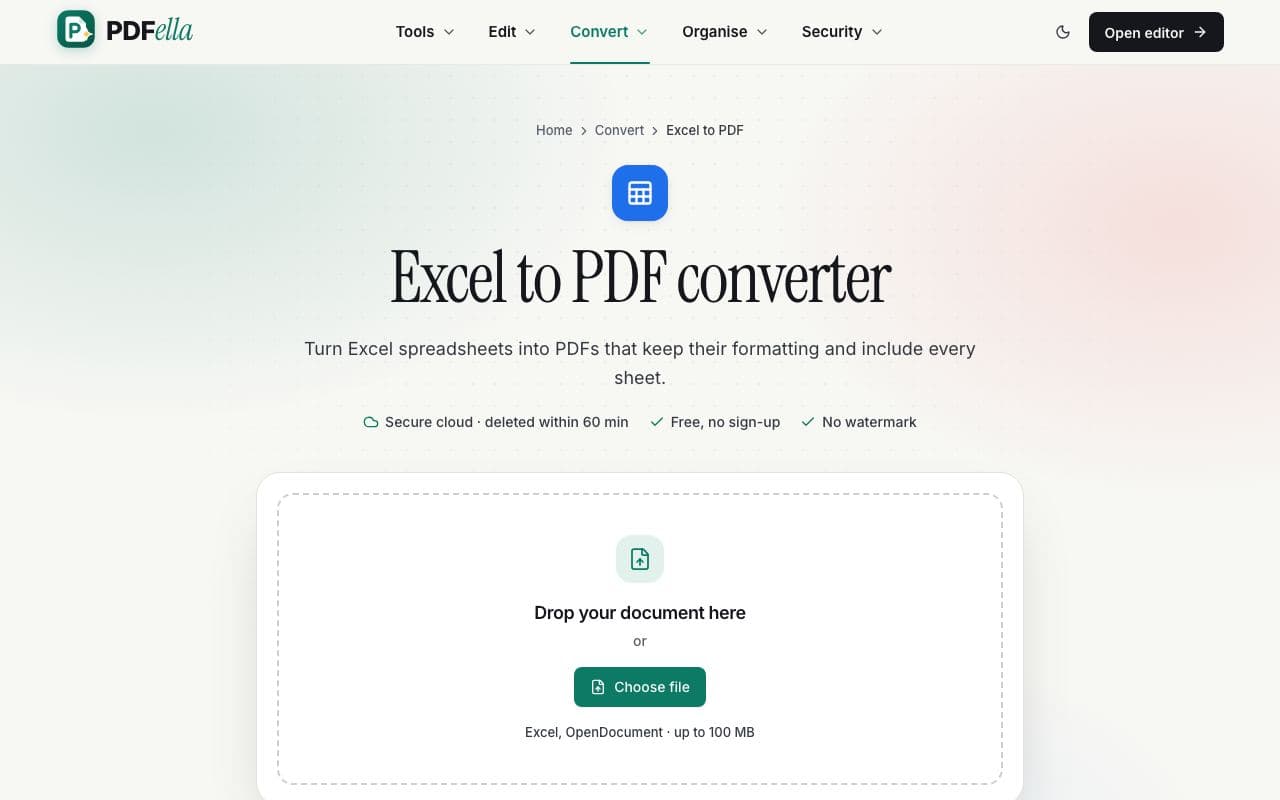
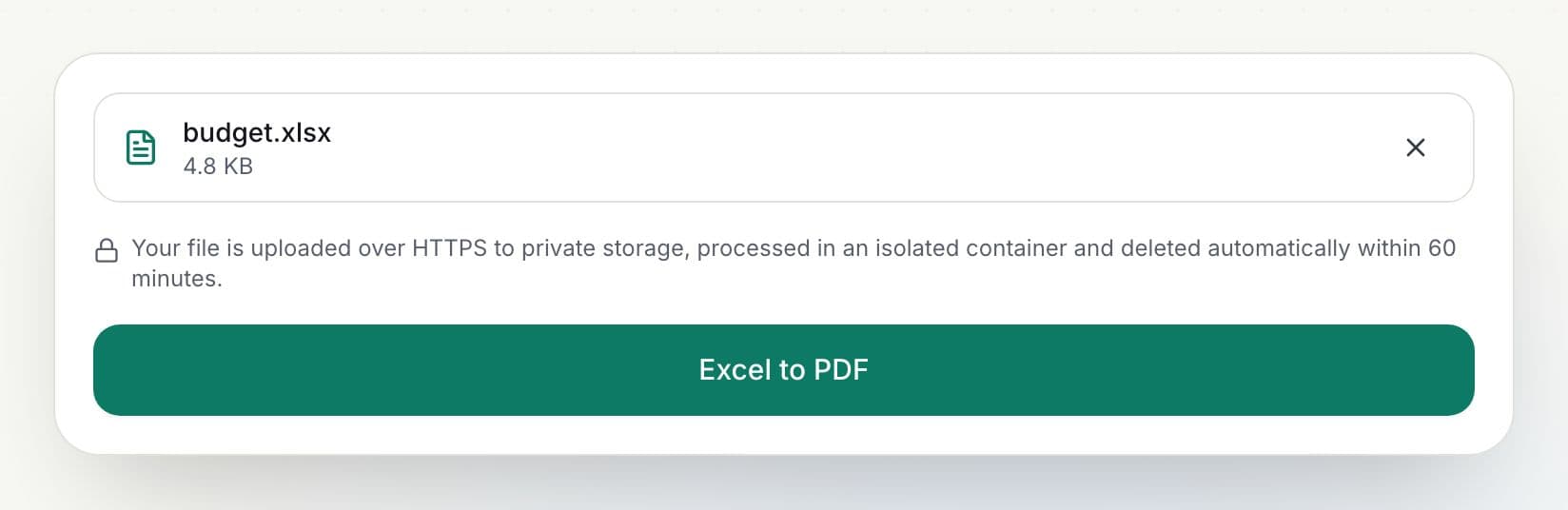
    Drag your spreadsheet onto the upload area or click Choose file. It's sent over an encrypted connection to private, temporary storage for conversion.

    How to convert Excel to PDF: step 1, upload your spreadsheet in PDFella
  2. 2

    Click Excel to PDF

    Progress is shown as a percentage while the workbook is converted.

    How to convert Excel to PDF: step 2, click excel to pdf in PDFella
  3. 3

    Download your PDF

    Rename the file if you like and click Download. The result is ready in seconds.

Why PDFella

Excel to PDF, done right

  • Every sheet

    All sheets in the workbook are included.

  • Formatting kept

    Fonts, colours, borders and number formats.

  • Shareable

    PDFs look the same on every device.

  • Secure cloud conversion

    Files are processed in an isolated container and deleted automatically after conversion, within 60 minutes at most.

Tips for tidy spreadsheet PDFs

Set the print area and page orientation in Excel before converting. Wide sheets look best in landscape, and a defined print area avoids empty pages.

Who uses Excel to PDF?

  • Accountants

    Share financial statements as PDFs.

  • Project managers

    Send schedules and budgets.

  • Teachers

    Distribute grade sheets.

FAQ

Excel to PDF: frequently asked questions

Still stuck? Email support@pdfella.example.

How do I convert Excel to PDF?

Upload the XLSX to Excel to PDF, click Excel to PDF and download.

Are all sheets included?

Yes.

Is my file uploaded?

Yes, to secure temporary storage, and deleted automatically after conversion.

Is it free?

Yes, within the daily allowance for cloud tools.

Can I convert PDF back to Excel?

Yes, with PDF to Excel.

Is there a watermark?

No.

Ready to convert Excel to PDF?

Free, private and done in seconds. No account needed.

Start now