Turning phone photos into a PDF
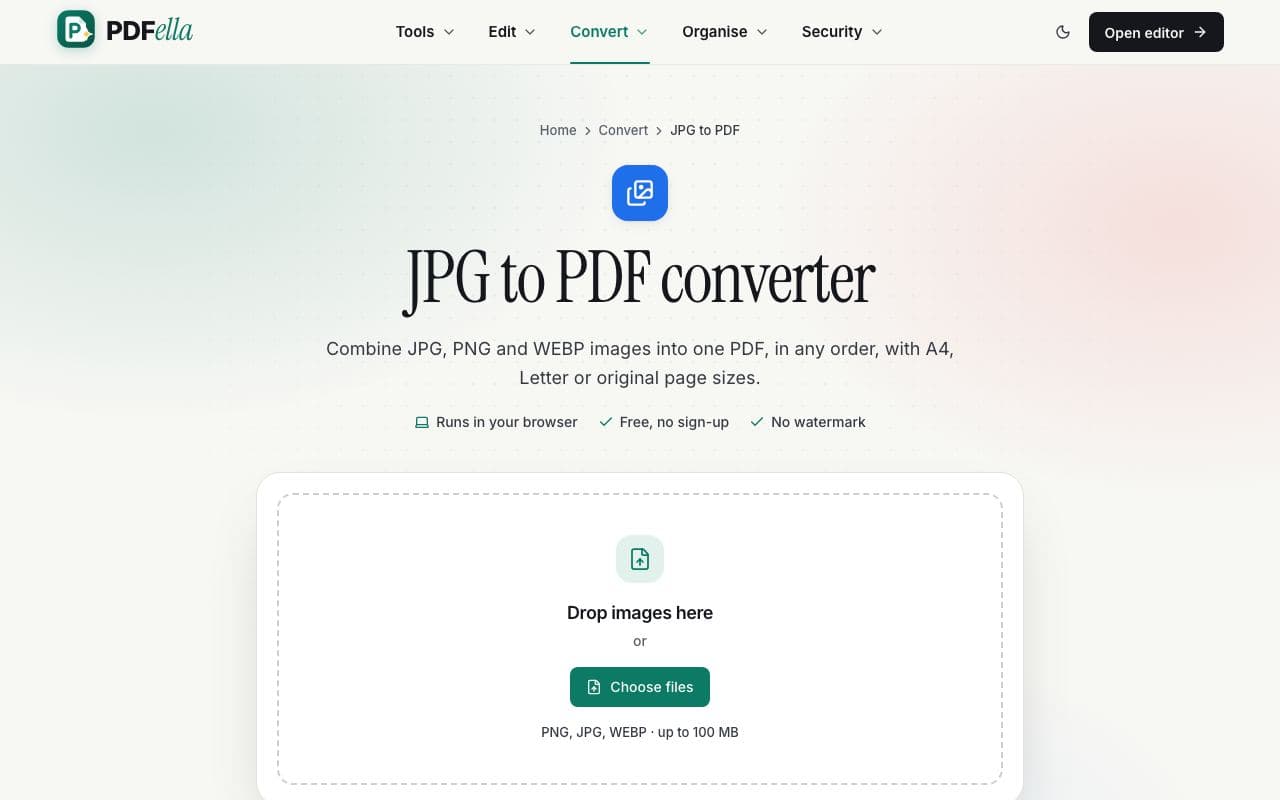
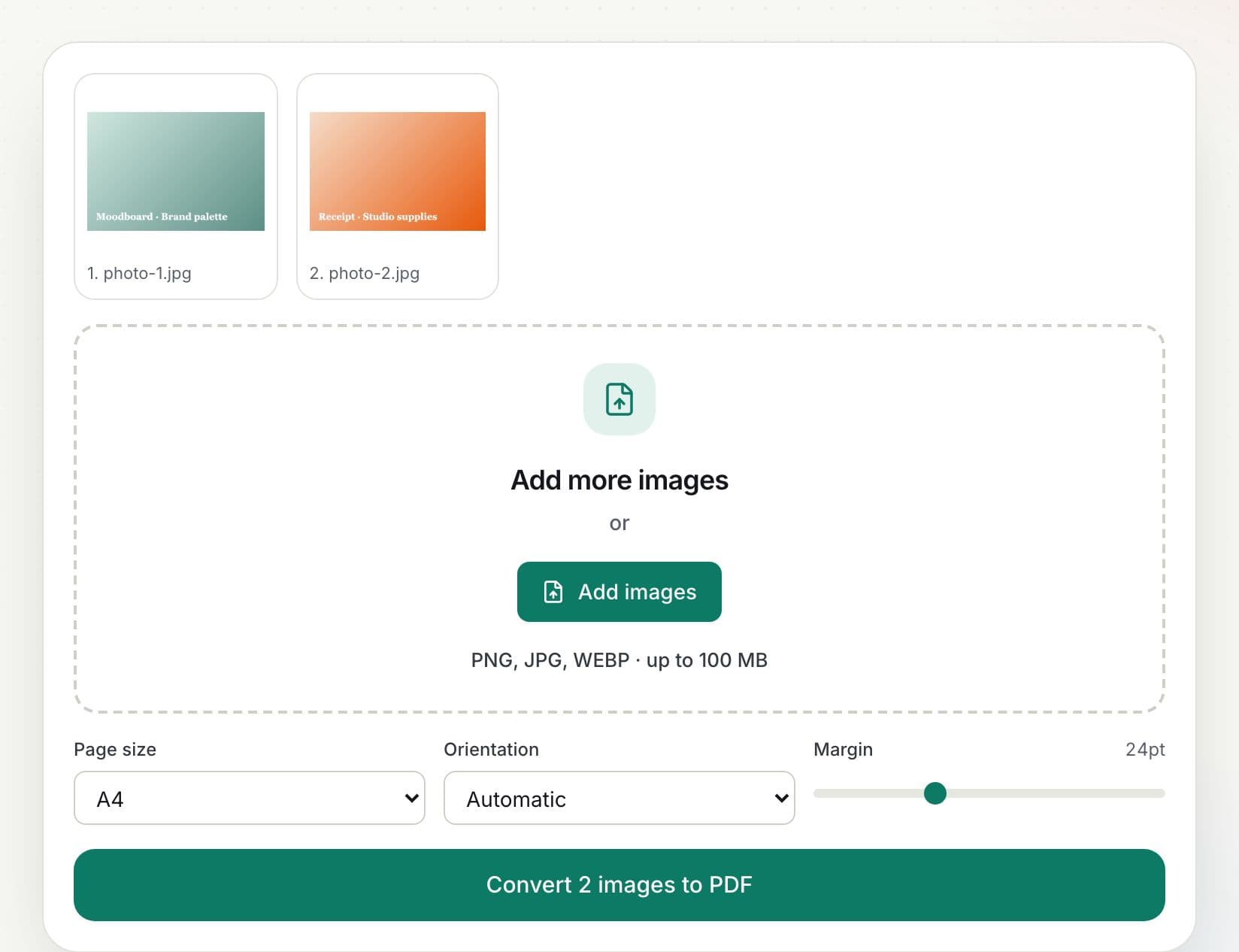
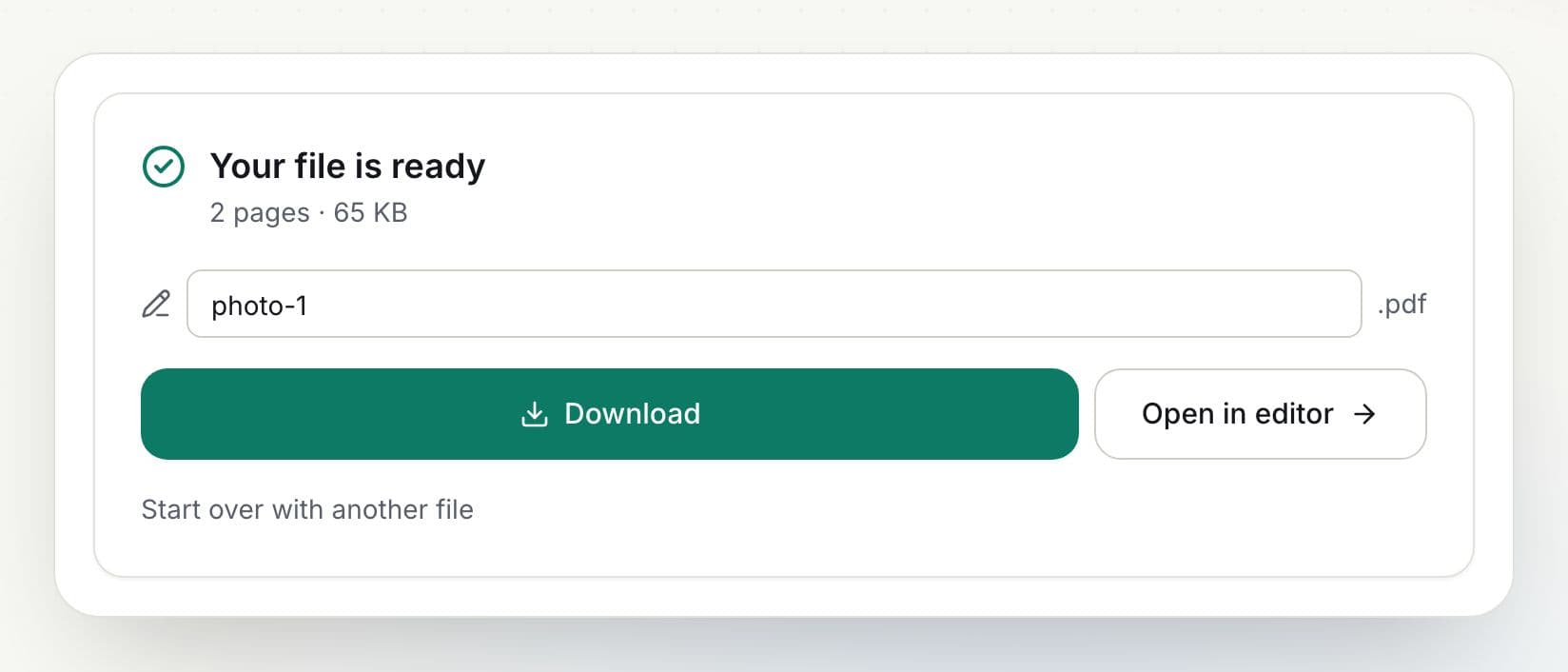
Photograph each page in good light, then add the photos here in order. Choose A4 or Letter with a small margin for a document that prints like a scan. If photos come out sideways, open the PDF in the editor and rotate those pages.
Supported image formats
JPG, PNG and WEBP. Transparent PNGs are placed on a white page.
Who uses JPG to PDF?
Students
Submit photos of handwritten homework as one PDF.
Applicants
Turn photos of ID and certificates into a single PDF.
Freelancers
Combine receipts into an expenses PDF.