Skip to content

Create a fillable PDF form

Turn any PDF into a fillable form with text fields, checkboxes, radio buttons, dropdowns, date and signature fields.

  • Runs in your browser
  • Free, no sign-up
  • No watermark

Quick answer

How to create a fillable PDF form?

To create a fillable PDF, open it in PDFella, choose Form field, pick a type (text, checkbox, radio, dropdown, date or signature) and drag a box where the field should go. Name each field, set options, then save and download. Fields work in any PDF reader.

Updated 5 October 2026 by the PDFella team

Key facts

Price
Free
Account
Not required
Processing
In your browser. Files aren't uploaded
Input
PDF
Output
PDF
Max file size
100 MB
Works on
Windows, macOS, Linux, iPhone, Android
Watermark
None

Step by step

How to create a fillable PDF form

  1. 1

    Upload your PDF

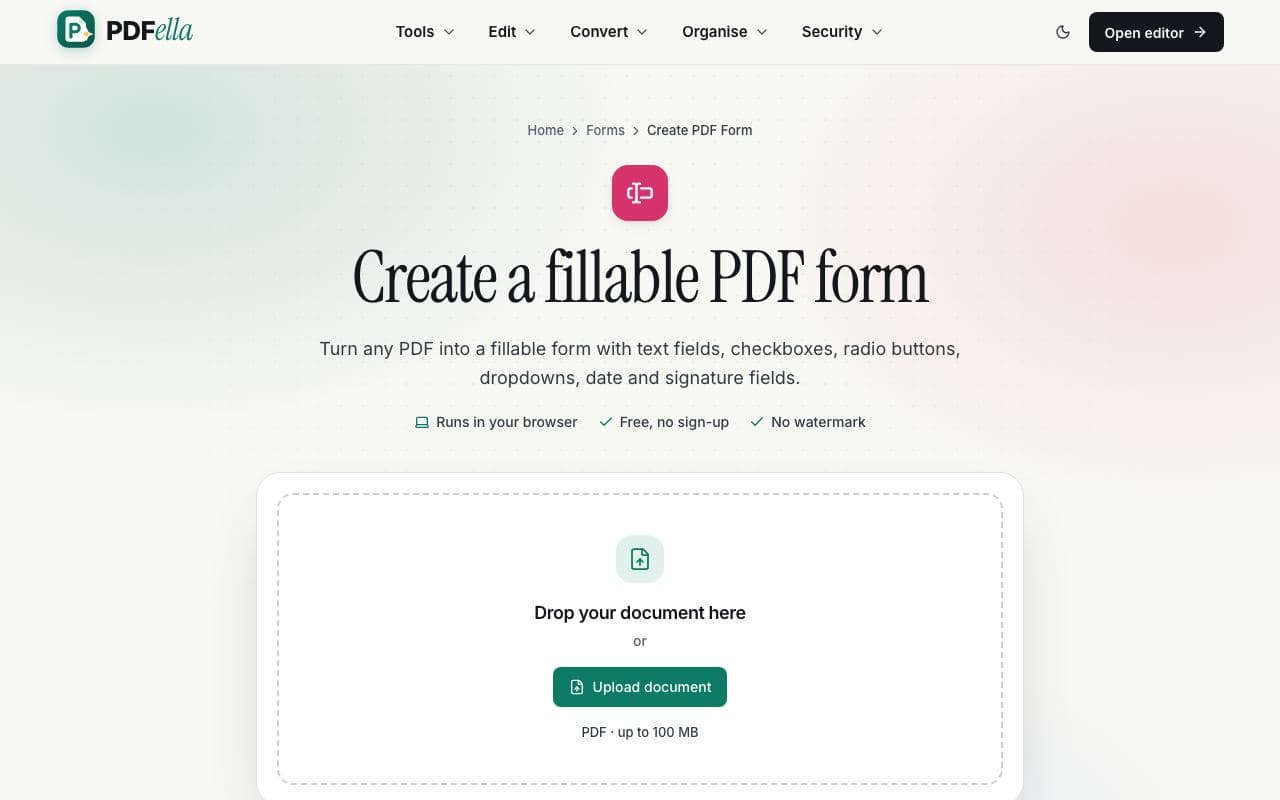
    Drop the document onto the upload area. It opens in the editor with the Form field tool selected.

    How to create a fillable PDF form: step 1, upload your pdf in PDFella
  2. 2

    Draw form fields

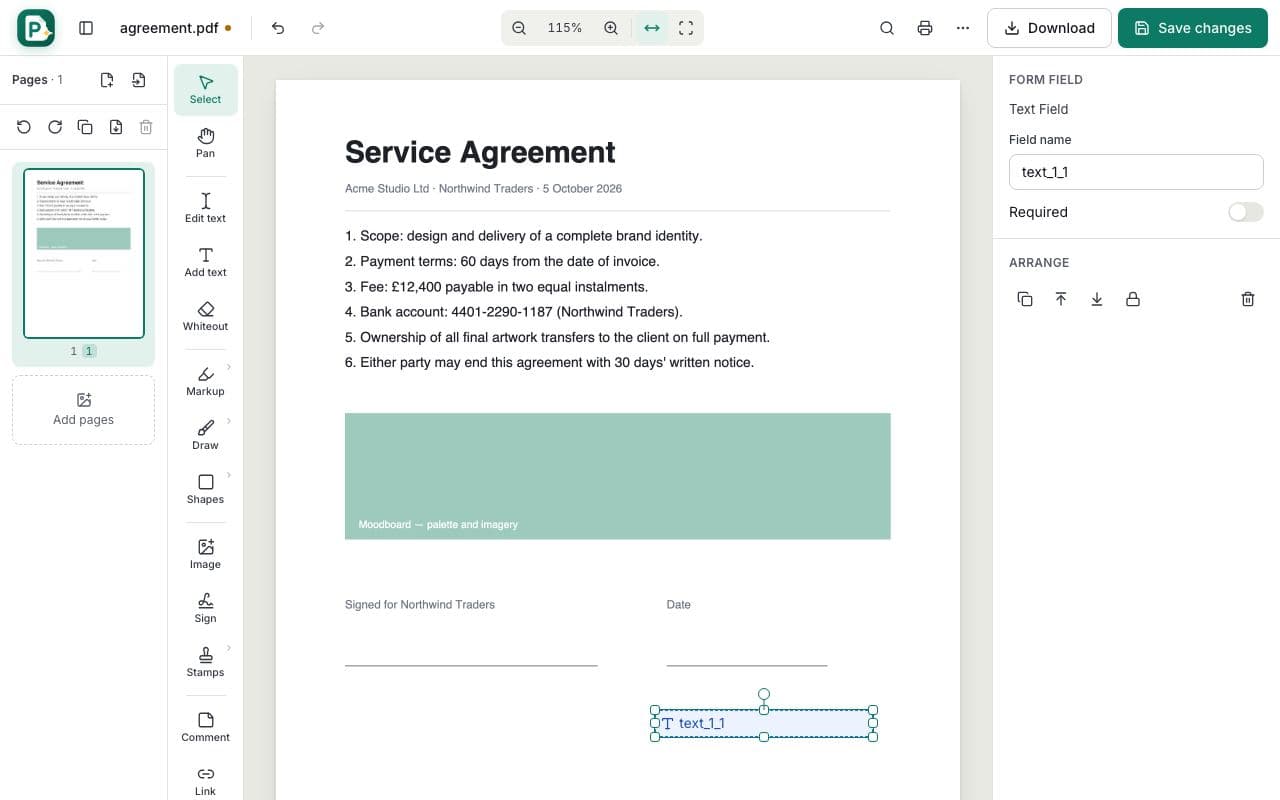
    Choose a field type in the side panel and drag a box over each answer area. Click to place checkboxes and radio buttons.

    How to create a fillable PDF form: step 2, draw form fields in PDFella
  3. 3

    Name fields and set options

    Select a field to rename it, mark it required, add dropdown options or group radio buttons.

  4. 4

    Save and download

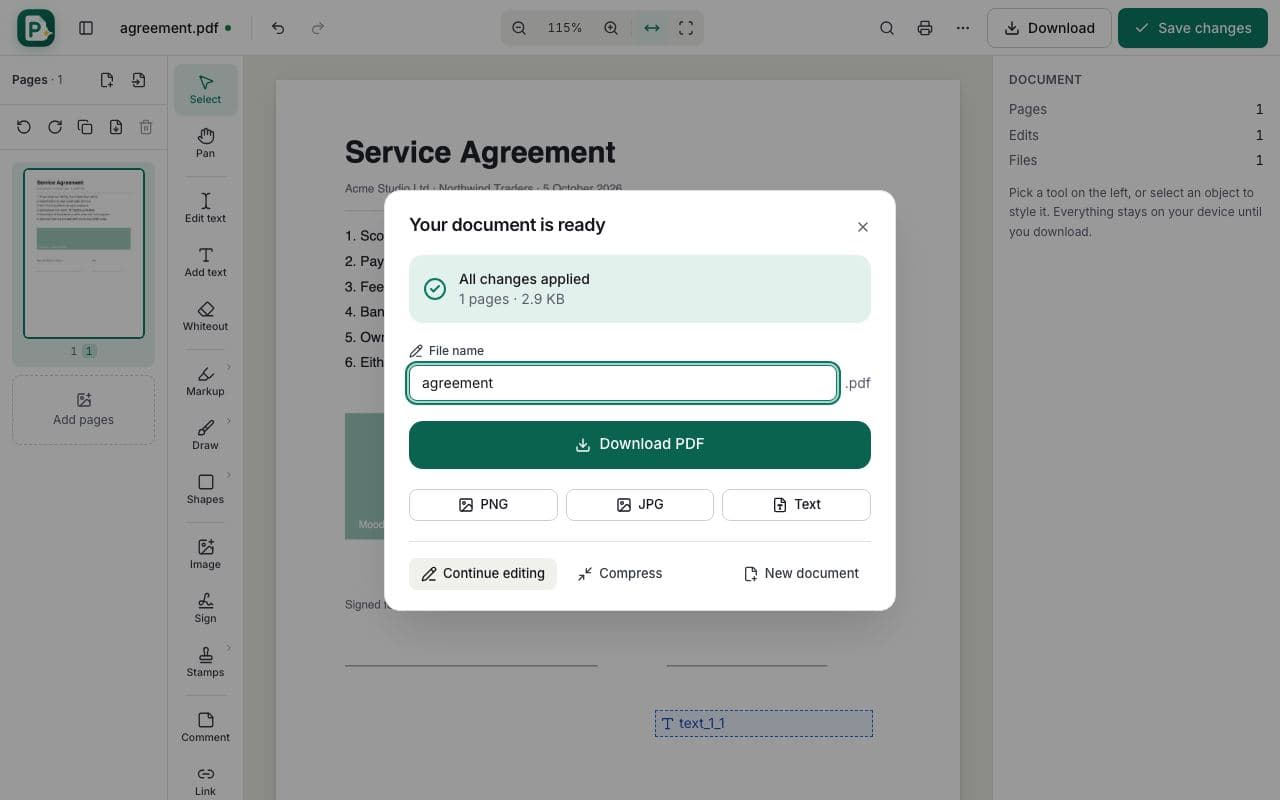
    Click Save changes, then Download PDF.

    How to create a fillable PDF form: step 4, save and download in PDFella

Why PDFella

Create PDF Form, done right

  • Six field types

    Text, checkbox, radio, dropdown, date and signature.

  • Standard AcroForms

    Works in Acrobat, Preview, Edge and Chrome.

  • Date validation

    Date fields use a consistent format.

  • Runs in your browser

    Your PDF never leaves your device.

Designing a good PDF form

Give every field a clear, unique name. It becomes the key when you collect answers. Group yes/no and multiple-choice answers as radio buttons in the same group, mark required fields, and leave enough room in text fields for long answers.

Who uses Create PDF Form?

  • HR

    Turn onboarding documents into fillable forms.

  • Schools

    Create permission slips parents can complete online.

  • Small businesses

    Make order and feedback forms.

FAQ

Create PDF Form: frequently asked questions

Still stuck? Email support@pdfella.example.

How do I make a PDF fillable for free?

Open it in PDFella, use Form field to draw fields, then save and download.

Will the form work in Adobe Reader?

Yes. Fields are standard PDF form fields.

Can I add a signature field?

Yes. Choose Signature as the field type.

Can I add dropdown options?

Yes. Select the dropdown and enter one option per line.

Is my document uploaded?

No. Everything runs in your browser.

Is it free?

Yes, with no account.

Ready to create a fillable PDF form?

Free, private and done in seconds. No account needed.

Start now